API Error 401 vs 403 and What Your Script Should Do
API errors 401 versus 403: authentication versus authorisation, headers and bodies to read, how a script should react and when not to retry.
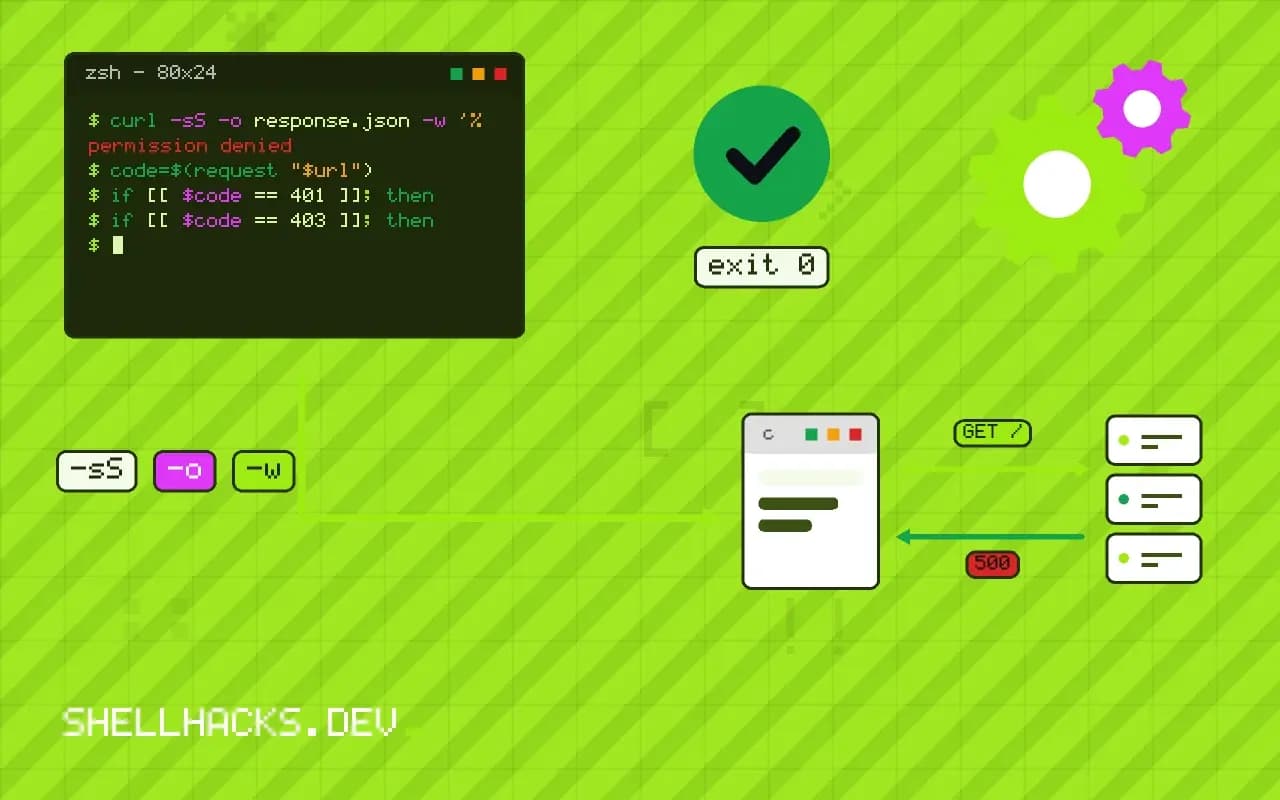
Two status codes cause most of the confusion in API scripts: 401 and 403. They look alike to a person and call for opposite handling. A script that retries a 403 loops forever, and one that gives up on a 401 when only the token expired fails needlessly. The difference is a clean rule, with some real-world exceptions. It extends the HTTP status code guide and parsing API errors in scripts. The examples assume curl 8 and jq 1.7.
The rule
401 Unauthorized   "Who are you?"        authentication failed or is missing
403 Forbidden      "I know who you are, and no."   authenticated, but not permitted
The name "Unauthorized" for 401 is historical and misleading: it concerns authentication. A 401 response should include a WWW-Authenticate header naming the scheme (for example Bearer error="invalid_token"). A 403 means the server understood the request and refuses it; no better credentials of the same identity will change that.
Look at what came back
curl -sS -D - -o body.json -H "Authorization: Bearer $TOKEN" https://api.example.test/v1/projects/7 | head -8
jq . body.jsonHTTP/2 401
www-authenticate: Bearer realm="api", error="invalid_token", error_description="The access token expired"
content-type: application/json
{
"error": "invalid_token",
"message": "The access token expired"
}
The header and body are the evidence. error="invalid_token" with "expired" says a refresh will fix it. error="insufficient_scope" (RFC 6750 specifies it as a 403) says the token lacks a scope. A 403 body often names the missing permission or policy. Both samples above are illustrative.
Handle 401: refresh once
request() {
  curl -sS -o response.json -w '%{http_code}' \
    -H "Authorization: Bearer $(cat "$TOKEN_FILE")" "$1"
}

code=$(request "$url")
if [[ $code == 401 ]]; then
  refresh_token            # obtain a new token and write it to $TOKEN_FILE
  code=$(request "$url")
fi
[[ $code == 2?? ]] || { echo "failed: HTTP $code" >&2; jq -r '.message? // .' response.json >&2; exit 1; }
Refresh once, retry once, and then give up: a second 401 means the refresh did not help (revoked client, wrong audience, clock skew). Do not loop. Tokens issued by OAuth have a lifetime; check the expiry before the call to avoid the failure, as in OAuth from the command line. Clock skew can make a fresh token look not yet valid or already expired, so check the machine's time, see timedatectl.
Handle 403: stop and explain
if [[ $code == 403 ]]; then
  echo "forbidden: $(jq -r '.message // .error // "no detail"' response.json)" >&2
  echo "check the token's scopes and the account's role for this resource" >&2
  exit 3
fi
A 403 is a decision made by the server. The causes: the token lacks the scope, the user lacks the role on this resource, an IP allowlist or organisation policy blocks the request, the account is suspended, SSO is required for the organisation, or a feature is not enabled on the plan. Retrying is pointless, and the useful behaviour is a clear message and a distinct exit status, as in designing exit codes.
When APIs bend the rules
GitHub     404 for private resources you cannot see (hides existence); 403 for rate limits with remaining=0
Stripe     401 for an invalid key; 403 for a restricted key lacking permission
Some APIs  401 for everything auth-related; 403 for rate limiting; 400 for bad tokens
Real APIs differ. A 404 may mean "not found or not allowed", a 403 may carry a rate-limit message (check X-RateLimit-Remaining and Retry-After), and a login endpoint might return 400 for bad credentials. Read the API's documentation for its conventions and write the script around what the error body says, not only the code. Log the request ID the API returns, which support will ask for.
Why the distinction matters for design
An API client that treats every 4xx as one thing will do the wrong thing at least once a week. The two codes describe different failures and call for different remedies, and the remedy is often automatic. A 401 can frequently be repaired by the client itself, with a token refresh or a re-login, with no human involved. A 403 cannot, because the identity is accepted and the answer is no. Building these two paths separately gives users an experience that recovers quietly from expiry and speaks plainly when permission is missing.
For API authors the same rule produces better errors. Returning 401 for an expired token and 403 for a missing role lets clients behave correctly without parsing text. Adding a machine-readable error code in the body, alongside the human message, allows the client to distinguish "token expired" from "token revoked" without guessing from a string. Returning a generic 403 for everything, including a missing token, makes every client look like it is broken.
Authentication failures in detail
The causes of a 401 are worth listing because each has its own fix. The token is missing: the header was never set, often because a shell variable was empty and the header became Bearer with nothing after it. The token is malformed, for example with a trailing newline copied from a file; strip it with tr -d '\n'. The token expired. The token was revoked. The token is valid for a different audience or environment, such as a staging token used against production. Or the clock on the client is off, so a signed token appears to be issued in the future. Checking these in order resolves the large majority of cases.
When debugging, decode the token if it is a JWT, which is a base64 string with three parts. The payload shows the expiry time, the issuer, the audience and the scopes. Decode it locally with shell tools rather than in a website, since a token pasted into a third-party page has been disclosed. A mismatch between the audience in the token and the API being called is a common cause that the status code alone does not reveal.
Authorization failures in detail
A 403 means the server evaluated a policy and said no, and the policy can live in several places. The token's scopes may not include the action. The user's role on the specific resource may not allow it, so the same token works on one project and fails on the next. An organisation setting may require single sign-on, an approved IP address or a particular device. A feature may be unavailable on the account's plan. Resource-level rules explain why a script works for the person who wrote it and fails for the service account that runs it in production.
To find which, compare a request that works with one that fails, changing one thing at a time: the identity, the resource, the action. If a different identity succeeds on the same resource, the cause is the role of the first. If the same identity succeeds on a different resource, the cause is the grant on that resource. This isolation takes minutes and avoids guessing.
Reporting errors usefully from scripts
A script should say what failed, what it was doing, and what the caller can do about it. For a 401 after a refresh attempt, report that authentication failed and name the credential source, such as the file or variable, without printing its content. For a 403, print the server's message and the resource involved. Exit with different statuses for authentication, authorisation and other errors so a calling job or a human reading the exit code can respond appropriately. Include the request ID from the response headers in the message, because that is the identifier the API owner needs to find the event in their logs.
Where this does not apply
Browsers and cookies add flows (redirect to login, CSRF failures as 403). For webhooks, the sender may use 401 to indicate a bad signature. Never write the credential to a log while debugging: print the status, URL path and request ID. See the RFC 9110 definition of 401 and RFC 6750 on bearer token errors.