API Error 502 and 504 From Scripts and Proxies Fully
Understand API 502 Bad Gateway and 504 Gateway Timeout from scripts and proxies: where they come from, what to check upstream, and safe retries.
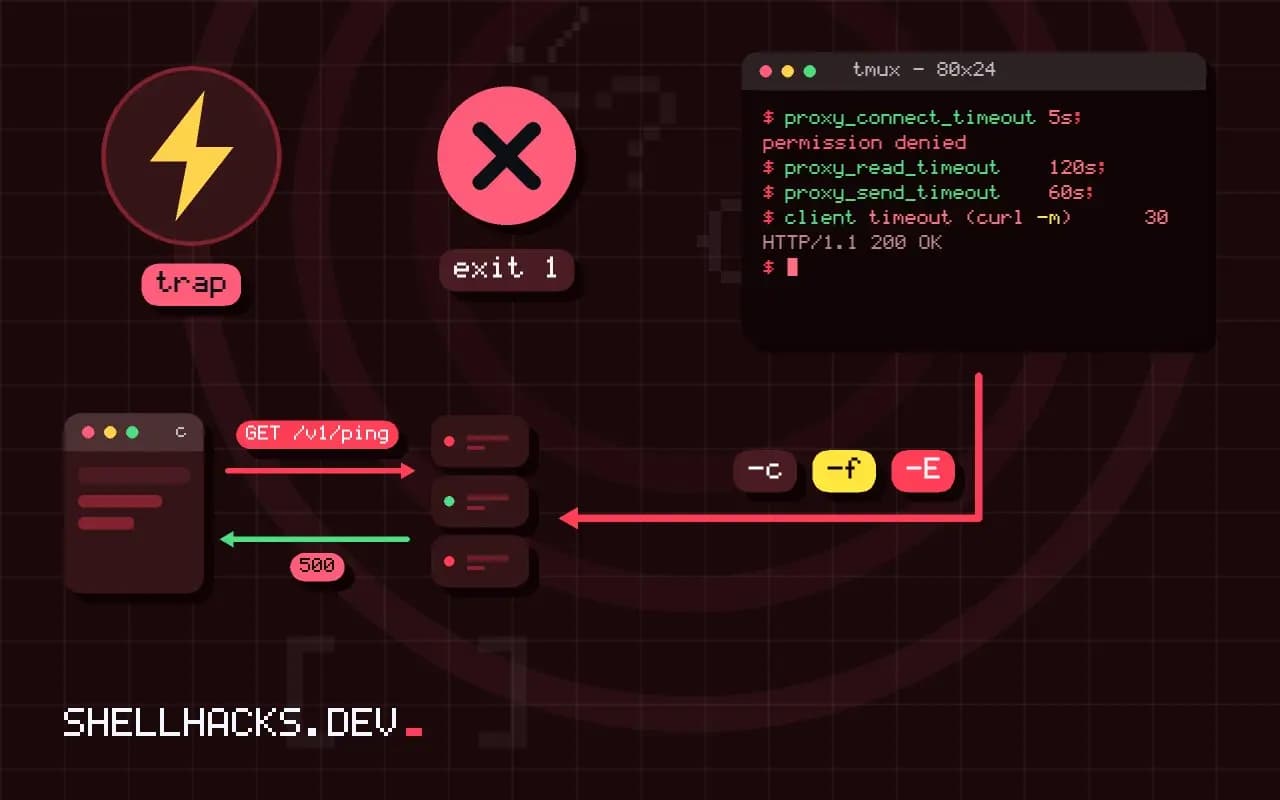
"502 Bad Gateway" and "504 Gateway Timeout" arrive from a server that is not the one doing the work. They are produced by proxies, load balancers and CDNs standing in front of an application, and they mean the proxy could not get a proper answer from behind it. For a script author the first question is whether to retry; for an operator it is where the problem sits. This post covers both, and continues the status code guide and the network checks in debugging network issues. The examples assume nginx 1.26 and curl 8.
What each code means
client --> [ CDN / load balancer / nginx ] --> [ application server ]
                       |                              |
                  502: got a bad or no response       (crashed, refused, closed early)
                  504: no response within the timeout (slow, hung, overloaded)
                  503: the proxy or app says "unavailable" on purpose (overload, maintenance)
The client talks to the proxy successfully; the proxy's own request to the upstream failed. The response body is often an HTML page from the proxy, so a script that expects JSON and calls jq on it fails with a parse error that hides the real cause. Check the status code before parsing, and print the first bytes of an unexpected body.
From the script: confirm and retry safely
code=$(curl -sS -m 30 -o body.txt -w '%{http_code} %{time_total}s' https://api.example.test/v1/report)
echo "$code"
head -c 300 body.txt
curl -fsS --retry 4 --retry-delay 3 --retry-max-time 60 https://api.example.test/v1/report504 30.012s
<html><head><title>504 Gateway Time-out</title></head>
A 504 after 30 seconds shows a request that hit a 30-second limit somewhere: the time is a clue to which timeout fired. Retrying is reasonable for idempotent requests (GET, PUT, DELETE), because the failure is usually transient: an upstream restart during a deploy, a worker crash. Do not blindly retry POST; the upstream may have processed the first attempt and the proxy only lost the response, which duplicates the action. Use idempotency keys where the API offers them, and back off as in 429 and backoff.
On the server side: the proxy log tells you
sudo tail -f /var/log/nginx/error.log
sudo grep -E 'upstream' /var/log/nginx/error.log | tail -5
curl -sS -o /dev/null -w '%{http_code} %{time_total}s\n' http://127.0.0.1:8080/health
systemctl status app.service --no-pager | head2026/11/03 11:12:01 [error] 812#812: *4411 connect() failed (111: Connection refused) while connecting to upstream
2026/11/03 11:14:33 [error] 812#812: *4502 upstream timed out (110: Connection timed out) while reading response header from upstream
2026/11/03 11:15:10 [error] 812#812: *4531 upstream prematurely closed connection while reading response header from upstream
Each log line names the cause. "Connection refused": nothing listens on the upstream port (the app is down, restarting or bound to the wrong address). "Upstream timed out ... reading response header": the app accepted the request but did not answer within proxy_read_timeout (default 60 seconds in nginx), so a slow query or a hung worker. "Prematurely closed connection": the app crashed or was killed mid-request, often an out-of-memory kill, see exit code 137. Test the upstream directly, bypassing the proxy, as in the curl to port 8080: if it fails there, the problem is the application. The sample log lines are illustrative.
Timeouts must line up
location /api/ {
    proxy_pass http://127.0.0.1:8080;
    proxy_connect_timeout 5s;
    proxy_read_timeout    120s;
    proxy_send_timeout    60s;
}
client timeout (curl -m)      30 s
CDN / load balancer idle      60 s     <- often fixed or configured separately
nginx proxy_read_timeout      120 s
application server timeout    30 s     <- gunicorn/uWSGI worker timeout
database query timeout        --
A request passes several timers and the shortest one wins. A load balancer with a 60-second idle limit returns 504 for a report the application would finish at 90 seconds, however high you set nginx's value. Raising timeouts masks slow requests; a better design makes slow work asynchronous: return 202 with a status URL and poll. Also look at the worker pool: if all workers are busy, new requests queue and time out, which shows as 504 under load and fine when idle.
Typical causes
502  the app crashed or was killed (OOM), restarted during a deploy, listens on another port/socket,
     a permissions problem on a Unix socket, an upstream TLS or protocol mismatch, a response header too big
504  slow query, lock contention, an external API call that hangs, exhausted workers or database connections,
     a long report, a network path problem between proxy and app
During deploys, a rolling restart or a graceful reload prevents a window of 502s; readiness checks keep traffic away from instances that are not ready, see smoke tests after deploy. For nginx specifically, proxy_next_upstream can retry another backend for idempotent requests. Large response headers cause 502 in nginx with "upstream sent too big header"; increase proxy_buffer_size.
A fault-finding order that saves time
Work from the outside in. Request the same URL directly from the application server, bypassing the proxy: curl -i http://127.0.0.1:8080/path. If that fails or is slow, the fault is in the application and the proxy is only reporting it. If it succeeds quickly, the fault is between the proxy and the application, or in the proxy's configuration. Then compare the failing request with a working one. A particular URL, method or body size that fails while others pass points to an endpoint-specific problem, such as a slow query or a large upload that hits a limit.
Check the clock too: a failure that starts at a precise time is a clue. A deploy, a cron job, a scheduled backup or a certificate expiry often sits at that moment. Look at the deployment history, the system journal and the database logs around the first 5xx. Correlating the first failure with a change finds causes that metrics alone do not.
Capacity and queueing
Many 504s come from saturation. An application with eight workers and requests that take two seconds can serve four requests per second; at five per second the queue grows without bound, response times climb until they cross the proxy's timeout, and every request then fails. The signs are rising latency before the errors, all workers busy and a backlog in the listen queue. Check worker counts, the accept queue length with ss -ltn and database connection pool usage. Adding capacity helps only if the bottleneck is the workers; if it is the database, more workers make the situation worse.
Overload protection turns slow failure into fast failure. A proxy with a short upstream timeout and a limit on queued requests answers 503 quickly when the application is saturated, which lets clients back off. Without it, the whole system slows to a crawl. Choose limits deliberately and test them with a load tool so you know how the system behaves at the edge.
Large responses and streaming
Another source of 502 is the response itself. A proxy buffers headers up to a limit, and a response with very large headers, such as many cookies, gets rejected with a 502 and a log line about the header size. Raising the buffer size fixes it, and reducing the header content is better. Long-lived responses such as streams, server-sent events and large downloads interact with idle timeouts: a stream that sends nothing for a while is cut by an intermediary. Send periodic keepalive data, or raise the idle limit for those paths only.
After the fix
Verify under realistic load, not with a single request. Add monitoring for the early signs: upstream response time percentiles, the 5xx rate by upstream, worker saturation and the number of restarts. Alert on the rate of 502 and 504 over a few minutes, with the dashboard split by endpoint so the culprit is visible at a glance. Write the cause and the fix in a short note, and add a synthetic check that calls the failing endpoint, so a regression is caught by a probe before it reaches users.
Where this does not apply
If you operate the API as a client only, you cannot see the proxy's logs: report the time, the URL, the request ID and the status to the provider, and design the script to tolerate occasional 5xx with retries. A 502 or 504 from a CDN may also mean the origin is unreachable from the CDN's network but fine from yours. See the nginx proxy module documentation and the MDN page on 502. Related: reverse proxies with Nginx or Caddy.