Debugging Segfaults and Exit Codes 126 127 130 and 137
Decode shell exit codes 126, 127, 130 and 137, plus segfault status 139: what each means, how to confirm the cause and what to do about it.
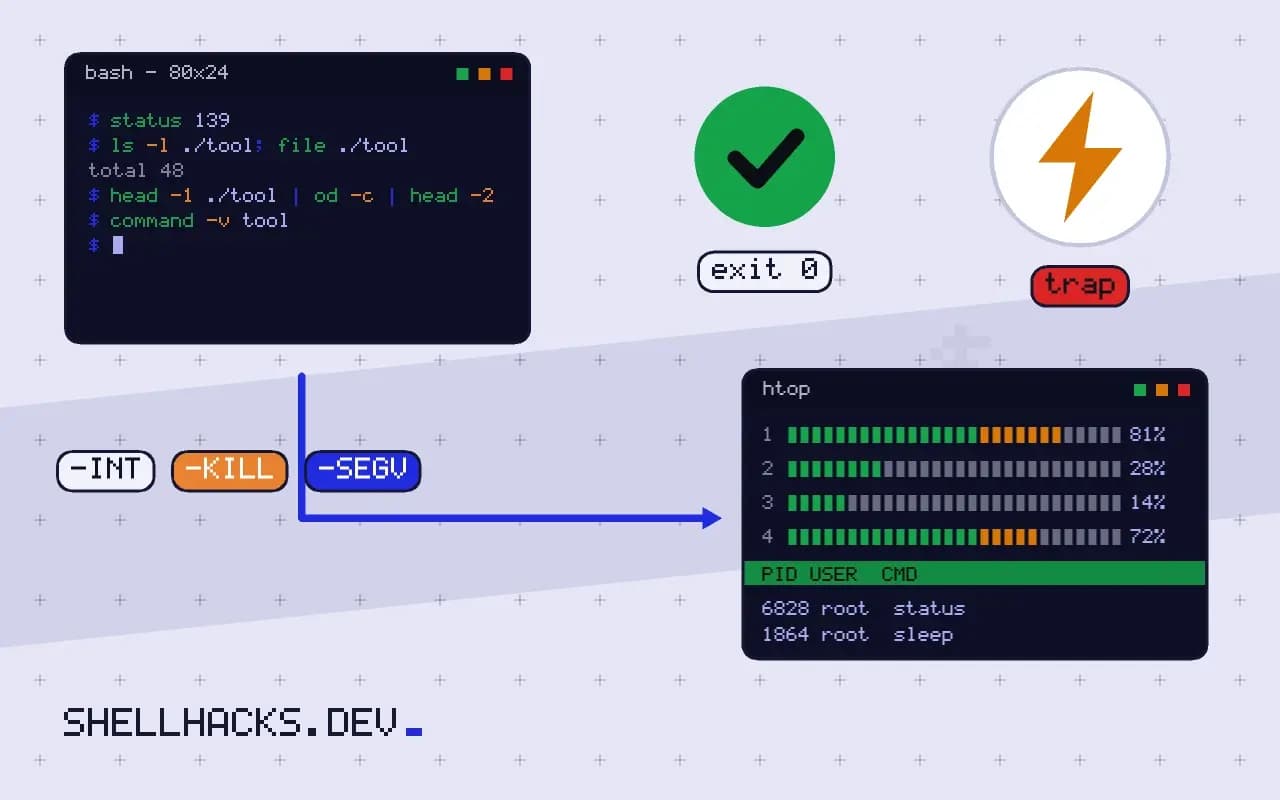
A status code is a compressed error message, and four of them cover most surprises in scripts and CI logs. The ones above 128 are not set by the program but by the shell: it reports 128 + N when the process died from signal N. Knowing that turns "exited with code 137" from a mystery into a lead. The decoding table is the quick reference to designing exit codes, and the commands assume Bash 5.2 and Linux.
Reproduce each one
touch /tmp/noexec.sh; chmod -x /tmp/noexec.sh; /tmp/noexec.sh; echo "status $?"
nosuchcommand; echo "status $?"
sleep 30 & kill -INT $!; wait $!; echo "status $?"
sleep 30 & kill -KILL $!; wait $!; echo "status $?"
sleep 30 & kill -SEGV $!; wait $!; echo "status $?"
kill -l 9 11 15bash: /tmp/noexec.sh: Permission denied
status 126
bash: nosuchcommand: command not found
status 127
status 130
status 137
status 139
KILL
SEGV
TERM
You can get the same list on your machine. kill -l N converts a signal number to its name, so a status of 143 minus 128 is 15, SIGTERM. Programs can also exit with these numbers themselves, so confirm with logs before concluding that a signal was involved.
126 and 127: the command could not start
ls -l ./tool; file ./tool
head -1 ./tool | od -c | head -2
command -v tool
For 126, the file exists but is not executable (missing x bit, a directory, a noexec mount), the same cause as in permission denied in GitHub Actions. For 127, the shell did not find the command: wrong PATH, a typo, or a script whose shebang points to an interpreter that does not exist (/usr/bin/env: 'bash\r' from Windows line endings shows as 127). The checks are in debugging PATH lookup and line ending bugs.
130 and 143: someone asked it to stop
130 is SIGINT, what Ctrl+C sends, so a script interrupted by a person or by a CI job being cancelled. 143 is SIGTERM, the polite stop from kill, systemctl stop and docker stop. Neither is a bug in the program; the question is who sent it. A CI timeout cancelling a job, an orchestrator replacing a container, or a user. Handle them in your scripts with a trap to clean up, as in signal handling and cleanup.
137: killed, often for memory
dmesg -T | grep -i -E 'killed process|out of memory' | tail -3
journalctl -k --since "1 hour ago" | grep -i oom
docker inspect -f '{{.State.OOMKilled}}' container[Tue Nov 3 09:55:12 2026] Out of memory: Killed process 4411 (java) total-vm:8123456kB, anon-rss:3012345kB
SIGKILL cannot be caught. The usual sender is the kernel's out-of-memory killer, sometimes a container limit, as in CPU and memory limits; a manual kill -9 or a supervisor that gave up waiting after SIGTERM also produces it. The log line names the process. Fix by reducing memory use, raising the limit or finding a leak; see memory leaks in long-running scripts.
139: a crash
ulimit -c unlimited
./crashy-tool
coredumpctl list | tail -3
gdb -batch -ex bt ./crashy-tool core 2>&1 | head -15
139 is SIGSEGV: the program touched memory it did not own. This is a bug in that program or in a library it loads, often after an upgrade, so check versions first. A backtrace from a core dump shows where; reading a core dump explains the tools. Exit 134 (SIGABRT) is an assertion failure or abort. Corrupted input and incompatible shared libraries are common triggers, and running under valgrind or with ldd checks can locate them.
The arithmetic behind the numbers
Exit statuses are a single byte, so the range is 0 to 255. By convention, 0 means success and small numbers mean the program itself reported an error. Numbers from 126 upwards are reserved by the shell: 126 and 127 for commands it could not execute or find, and 128 plus the signal number for a child that died from a signal. The shell computes the latter, so a program that calls exit(137) by itself produces the same status as one killed by SIGKILL, and the two can only be told apart from context. Keep your own scripts below 126 to avoid the ambiguity, and document the values you use.
A status of 255 deserves a mention because it is overloaded. Programs use it for a generic failure, and ssh uses it for connection errors, so a 255 from a remote command wrapper can mean either that the connection failed or that the remote program exited with 255. If the difference matters, check the stderr output of the client for connection messages.
Seeing the status through wrappers and pipelines
Statuses are easily lost. In a pipeline, the shell reports the status of the last command unless pipefail is on, and PIPESTATUS keeps the whole list for the moment after the pipeline finishes. A wrapper script that runs a program without exec and then does cleanup returns the status of the last cleanup command, hiding the failure of the thing it wrapped. Capture the status in a variable immediately after the command, and exit with it after the cleanup: cmd; rc=$?; cleanup; exit "$rc".
Container runtimes and CI systems translate statuses in their own ways. A container killed by the memory limit shows 137 in the runtime and may display "OOMKilled" in its state. Kubernetes reports the status in the pod's last state with a reason. CI logs usually print the code but not the signal name, so keep a short reference of the numbers handy, or let your wrapper print the signal name for any status above 128.
Handling signals in your own scripts
A script that wants to clean up when interrupted installs a trap for the signals it expects, typically INT and TERM, plus EXIT for normal ending. The handler should remove temporary files, stop child processes and then exit with the conventional status, 130 for an interrupt and 143 for a termination, so that callers can tell what happened. Killing a script with SIGKILL gives it no chance to run any handler, so design critical operations to be safe if they stop at any point, using atomic renames and lock files that cannot go stale.
A short field guide
When a job dies with a status you do not recognise, subtract 128. If the result is a valid signal number, look it up with kill -l. If not, read the program's documentation for its own codes. Look next at the system: kernel messages for the out-of-memory killer, the journal for the service manager's decision, the container state for limits. Then ask what changed, because a job that ran for months and began dying with 137 usually changed in memory use, input size or limit.
Where this does not apply
Containers and some shells report statuses differently: a process in a container that dies from a signal shows 137 to Docker, and a wrapper script that does not use exec hides the child's status behind its own. In pipelines, $? is the last command's status unless set -o pipefail is on; PIPESTATUS shows each. See the exit codes reference and signal(7).