GitHub Actions Error Permission Denied on a Script
Fix GitHub Actions permission denied on a script: the executable bit, git update-index, shebang and line endings, noexec mounts, and how to call with bash.
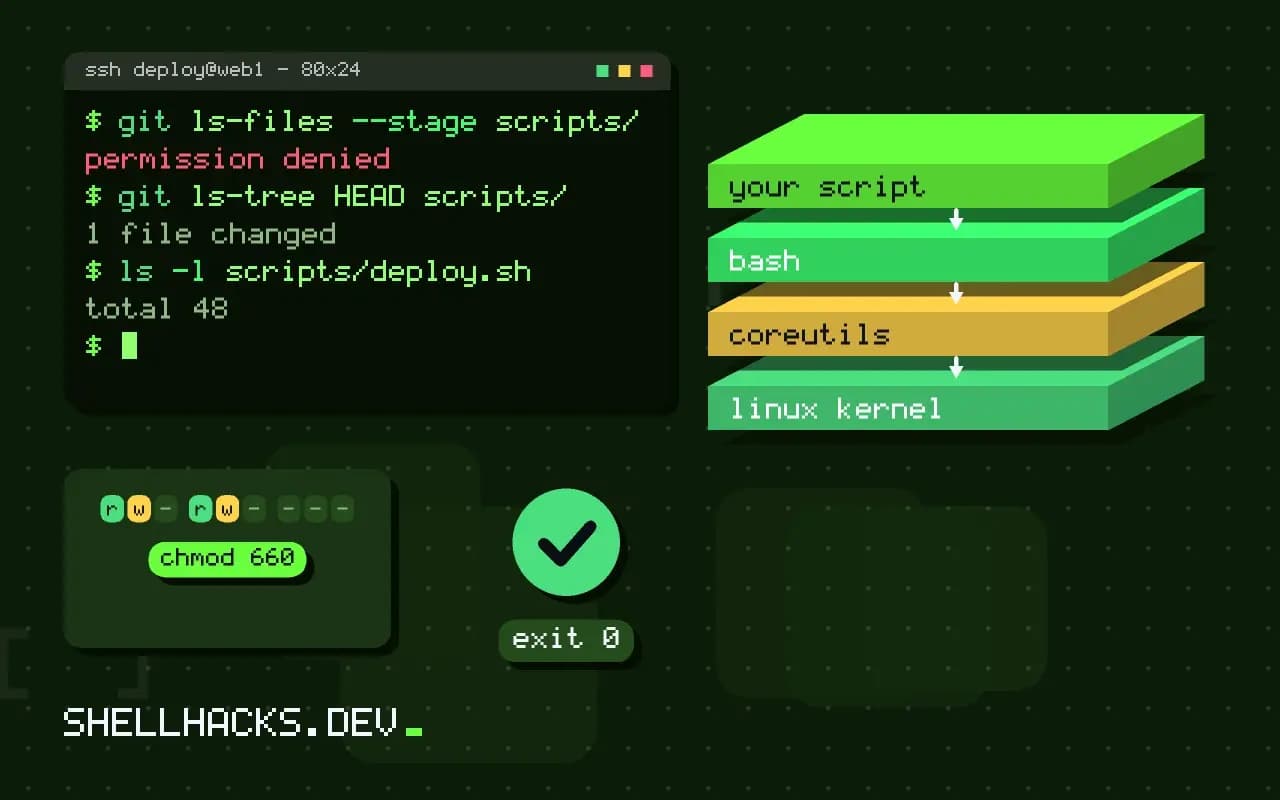
The step runs ./scripts/deploy.sh and fails with bash: ./scripts/deploy.sh: Permission denied and exit code 126. It works on the developer's machine because the file is executable there. On the runner the checkout recreates files from Git's recorded modes, and Git did not record the executable bit. The fix is a one-line change. This post continues the troubleshooting in debugging GitHub Actions, and the commands use Git 2.47.
Check what Git recorded
git ls-files --stage scripts/deploy.sh
git ls-tree HEAD scripts/
ls -l scripts/deploy.sh100644 3f1a2b4c5d6e7f8091a2b3c4d5e6f708192a3b4c 0 scripts/deploy.sh
100644 blob 3f1a2b4c5d6e7f8091a2b3c4d5e6f708192a3b4c scripts/deploy.sh
The leading mode 100644 means a regular, non-executable file; an executable file shows 100755. Files created on Windows, extracted from a zip, or copied through a mount that does not preserve modes end up as 644. The hash shown is a placeholder.
Fix it in Git
git update-index --chmod=+x scripts/deploy.sh
git commit -m "Make deploy.sh executable"
git ls-files --stage scripts/deploy.sh
chmod +x scripts/*.sh # on Linux or macOS, then git add100755 3f1a2b4c5d6e7f8091a2b3c4d5e6f708192a3b4c 0 scripts/deploy.sh
On Windows without WSL, git update-index --chmod=+x changes the recorded mode without needing real permissions. Set core.fileMode carefully: on file systems that cannot represent modes Git may report every file as changed. After the commit, the next checkout on the runner produces an executable file, as the Linux permissions article explains in Linux file permissions.
Workarounds in the workflow
steps:
  - uses: actions/checkout@v4
  - run: bash scripts/deploy.sh
  - run: chmod +x scripts/deploy.sh && ./scripts/deploy.sh
Calling the interpreter explicitly ignores the executable bit. That is fine for a quick unblock and hides a problem for local users, who then get the same error. Adding chmod +x in the workflow also works, but fixing the mode in Git fixes it for everyone. Use shell: and working-directory: to make the path unambiguous.
Look-alike errors
./deploy.sh: Permission denied              -> missing exec bit, or noexec mount
/usr/bin/env: 'bash\r': No such file        -> CRLF line endings in the shebang
./deploy.sh: No such file or directory      -> wrong path, or interpreter missing on the runner
exec format error                           -> no shebang, or wrong architecture
If the bit is right and the error persists, check the line endings with file scripts/deploy.sh (it says "with CRLF line terminators"), and add a .gitattributes rule such as *.sh text eol=lf to prevent Git on Windows from converting. The related error and checks are in line ending bugs. A script in /tmp or a mounted volume on a runner may sit on a noexec file system; check with mount | grep noexec.
Containers and actions
jobs:
  build:
    runs-on: ubuntu-latest
    container: debian:13
    steps:
      - uses: actions/checkout@v4
      - run: ./ci/build.sh
Inside a container job, the same rules apply, plus user ID differences: the workspace is mounted from the host and files may be owned by another user. Docker-based actions also need the entrypoint script executable inside the image, the same problem seen in running a script on container start.
Prevent it
- name: Check scripts are executable
  run: |
    bad=$(git ls-files -s -- '*.sh' | awk '$1 != "100755" {print $4}')
    [ -z "$bad" ] || { echo "not executable:"; echo "$bad"; exit 1; }
A small check step catches a new script committed without the mode. Add ShellCheck at the same time, as in ShellCheck in CI.
How the executable bit gets lost
Git stores only one permission distinction for a regular file: executable or not, recorded as mode 100755 or 100644. Everything else, including the owner and the group, is ignored. A script created in an editor gets 644 by default on every operating system, so it is executable only if someone ran chmod +x before the first commit. The step is easy to forget because local use hides the problem: a developer who runs bash scripts/deploy.sh never notices, and a developer who ran chmod locally has a working copy but did not stage the mode change when it was the only difference. Git does record a mode change in a commit, but only if core.fileMode is true, and on some checkouts it is false.
The runner then does what Git says. A fresh checkout writes the file with the recorded mode, and the shell refuses to execute a file without the bit, which is what exit code 126 reports. Nothing about the runner is at fault, which is why rerunning the job fixes nothing.
Why Windows and some mounts make it worse
Developers on Windows have no execute bit in the file system, so Git for Windows guesses a mode when adding a file and usually guesses 644. Even if the script has a shebang line, the guess does not change. The fix is the update-index command shown above, or git add --chmod=+x when adding the file for the first time, either of which records the mode without needing the file system to support it.
Network and container mounts behave similarly. A repository shared into a virtual machine through a file system that squashes permissions shows every file as executable, or none of them, and a git status full of mode changes follows. In that setup, set core.fileMode to false locally so Git stops reporting noise, and make the intentional mode changes explicitly with update-index. Do this per repository, not globally, because turning it off everywhere hides real mistakes elsewhere.
Reading the failure correctly
Exit code 126 means the command was found but could not be executed, and 127 means it was not found. Both end the step the same way in the log, so read the message. "Permission denied" points at the mode or a noexec mount. "No such file or directory" for a file that plainly exists points at the interpreter named in the shebang, often because Windows line endings made it bash\r, which no such program matches. Run head -1 scripts/deploy.sh | od -c in the workflow to see the first line byte by byte; a \r before the newline settles it in one step.
For a step that has to work today, add a debug command before the failing line: ls -l scripts/ shows the mode as the runner sees it, and git ls-files --stage shows what the repository recorded. Comparing the two takes a few seconds and separates a checkout problem from a mount problem.
Keeping the fix in place
The mode can be lost again when someone replaces the file instead of editing it, for example by copying a new version over it from an archive or generating it from a template. A pre-commit hook or the check step shown earlier catches that. A .gitattributes file does not control the executable bit, but it does control line endings, which is the other common reason a script that looks executable fails on the runner. Putting both checks in the pipeline means a mistake is reported as a clear failure on the pull request, with the name of the file, not as a confusing error in a deploy job later in the week.
Where this does not apply
If the failing file is a binary downloaded during the job, set its mode after download with chmod +x, since Git is not involved. Permission errors writing to a directory (not executing) come from the workspace owner, not the file mode. See the git-update-index manual and the GitHub workflow syntax for run steps.