How to Respond to a Suspected Compromised Server Easily
Respond to a suspected compromised Linux server: contain it, preserve evidence, check logins, processes and persistence, rotate secrets and rebuild.
Something is wrong: unexpected load, a login you do not recognise, outbound traffic to a strange address, a report from your provider. The first hour matters, and the common mistake is to start cleaning, which destroys evidence and leaves a backdoor behind. This is a practical sequence for a single Linux server, not a replacement for a security team. It uses tools from checking who changed what and hardening sshd. The commands assume a systemd distribution and a root shell.
1. Contain
sudo ufw default deny outgoing
sudo ufw allow out to 203.0.113.50 port 22 proto tcp
sudo ufw enable
Cut the server off from the network except for your own access, or move it to an isolated security group from the provider's console, which is more reliable than a host firewall an attacker may control. Take a snapshot of the disk from the console before changing anything. Do not power off yet if memory evidence matters; if it does not, shut down after the snapshot. Tell the people who need to know, and keep a timeline: time, action, who.
2. Capture the volatile state
mkdir -p /root/ir && cd /root/ir
date -u > time.txt; uname -a > uname.txt
w > who.txt; last -aiF | head -100 > last.txt; lastb -aiF | head -50 > lastb.txt
ps auxwwf > ps.txt; ss -tunap > connections.txt
lsof -nP -i > lsof-net.txt
Save the output outside the server as soon as you can (the server is untrusted), and note that commands on a compromised host may be replaced; if the system binaries are suspect, use statically linked tools from a clean source or mount the disk snapshot on a clean machine. Look for unfamiliar logins in last, many failures in lastb, processes running from /tmp or /dev/shm, deleted binaries (ls -l /proc/*/exe | grep deleted) and connections to unknown addresses.
3. Look for persistence
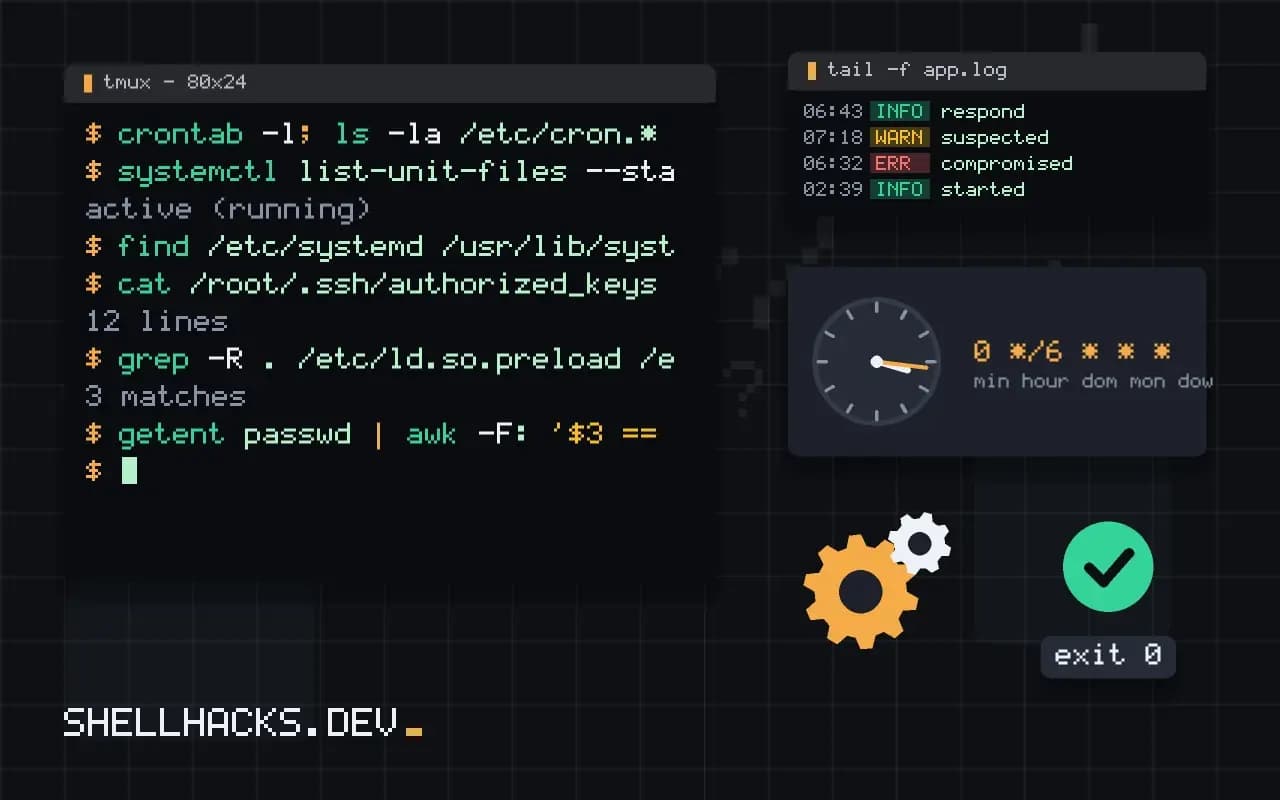
crontab -l; ls -la /etc/cron.* /var/spool/cron 2>/dev/null
systemctl list-unit-files --state=enabled --no-pager | head -50
find /etc/systemd /usr/lib/systemd -newermt '2026-10-01' -type f
cat /root/.ssh/authorized_keys /home/*/.ssh/authorized_keys
grep -R . /etc/ld.so.preload /etc/rc.local 2>/dev/null
getent passwd | awk -F: '$3 == 0 || $7 !~ /nologin|false/'
Attackers want to survive a reboot: cron entries, new systemd units, extra SSH keys, new users or UID 0 accounts, shell profile edits, LD_PRELOAD libraries, modified sshd or sudoers. Compare package files with the package manager's record: debsums -c on Debian-family systems or rpm -Va on Red Hat-family ones list changed files from packages. Files modified recently show up with find / -xdev -mtime -7 -type f. The logs are covered in reading logs to find the error.
4. Rotate and rebuild
Assume everything on the server was copied: SSH keys, API tokens, database passwords, TLS private keys, environment files, cloud credentials from the metadata service. Rotate them from a clean machine, starting with the credentials that give the most access; the procedure without downtime is in rotating credentials. Then provision a new server from a clean image and restore data, checked for tampering, from a backup taken before the compromise. Cleaning in place is tempting and unreliable, since you cannot prove what is left.
5. Find the way in, then learn from it
grep -E 'Accepted|Failed' /var/log/auth.log | tail -50
zgrep -h 'POST /' /var/log/nginx/access.log* | awk '{print $1, $7}' | sort | uniq -c | sort -rn | head
Typical entry points: a weak or reused password on SSH, an exposed service with a known vulnerability, a leaked key in a repository (finding secrets in Git), a vulnerable web application or a compromised dependency. Find which, or the new server will fall the same way. Afterwards: patch, reduce exposed services (reducing attack surface), add monitoring and write down the lessons.
Principles before commands
Three principles guide the first hours. Preserve evidence, because what you destroy cannot be analysed later and you may need it to learn how the intruder got in, or for legal reasons. Prevent further harm, by cutting off the intruder's access and the paths to other systems. And assume the worst about scope, since an attacker with the server's credentials may already be elsewhere. The three pull against each other: shutting the machine down stops harm and destroys memory contents, while leaving it running preserves evidence and lets the attacker continue. Decide consciously which matters more in your situation, and write the decision down.
Have a plan before you need it. Know who has authority to take a system offline, who to tell, how to reach your provider's security contact and where the runbook lives. Decisions made during an incident are worse than decisions made in advance, and the minutes spent hunting for a phone number are minutes of attacker time.
Do not trust the compromised machine
An attacker with root can replace commands, hide processes and files and falsify logs. Output from tools on the server is therefore a hint, not proof. Prefer evidence collected from outside: network flow logs from the provider, the cloud audit trail, DNS query logs and a disk snapshot analysed on a clean workstation. If you must work on the live host, use statically linked tools from read-only media, note the commands you run and their times, and avoid logging in with credentials that the attacker may capture, since a keylogger or a modified SSH daemon can steal them.
Think about adjacent systems. Review where the server could log in: databases it connects to, other hosts whose keys it holds, cloud accounts reachable from its role. Rotate those credentials and review their logs for access from the server's address during the suspect period, because lateral movement is often the real damage.
Rebuild instead of clean
The safest recovery is a fresh build from a known good source, with data restored from a backup taken before the compromise. Cleaning a compromised system leaves doubt, because you can never prove that you found every backdoor. Rebuilding is practical when servers are defined as code and data lives in separate storage, and this is a reason to invest in that style in advance. Before restoring data, check that it was not tampered with, and scan it for planted files such as web shells in upload directories. Restore only what you need, and bring the new system up with the vulnerability that allowed the break-in fixed.
After the incident
Write a timeline: when it started, how it was found, what was done and when. Note what worked and what did not, and turn the gaps into tasks, such as better logging, narrower credentials, faster alerts or a rehearsed rebuild. Share the lessons with the team, and if users or customers are affected, communicate plainly and promptly, with the facts you have and the steps you are taking. A calm, documented response builds more trust than a flawless prevention record that nobody can verify.
Where this does not apply
If customer data may be involved, legal and regulatory duties apply (notification deadlines, evidence handling) and you should involve people trained in incident response early. Cloud accounts need their own audit trail review, because an attacker with cloud credentials affects more than the server. This outline is for ordinary servers, not nation-state intrusions. See the NIST incident response guide and the CISA response resources.