Cron vs CI Schedules vs Cloud Schedulers With Examples
Compare cron, CI schedules and cloud schedulers: reliability, secrets, observability, cost and drift, and decide where a scheduled job should run.
A scheduled job needs three things: something that triggers it on time, somewhere to run, and a way to learn that it failed. Cron on a server provides the first two and little of the third. CI and cloud schedulers provide all three at the price of timing guarantees and lock-in. The details come from the documentation of GitHub Actions, Kubernetes 1.31 and Amazon EventBridge Scheduler; the local tools are in cron versus systemd timers.
Cron on a server
30 2 * * * backup /usr/local/bin/backup.sh && curl -fsS https://hc-ping.example.com/abc123
Cron is the simplest when the job needs files or services on a particular machine, such as a local database dump, and the timing is exact to the minute. The weaknesses are operational: the server must be running at that moment, the crontab is one more thing to back up, and a job that fails or never starts is silent unless you build a check. A ping to a dead man's switch service after success, as in a cron dead man's switch, turns "no news" into an alert.
CI schedules
on:
  schedule:
    - cron: "17 3 * * 1-5"
  workflow_dispatch:
jobs:
  report:
    runs-on: ubuntu-24.04
    steps:
      - uses: actions/checkout@v4
      - run: ./scripts/weekly-report.sh
        env:
          API_TOKEN: ${{ secrets.API_TOKEN }}
A scheduled workflow suits jobs tied to a repository, such as dependency checks, link audits, reports and builds of nightly artifacts. Secrets are managed by the platform, logs are kept with each run, and no server exists to patch. The catches are documented: GitHub Actions schedules run at UTC, can be delayed during busy periods by many minutes, and are disabled automatically in a public repository after 60 days without activity. The syntax is POSIX cron, with a minimum interval of five minutes. See GitHub Actions scheduled scripts. Pick an odd minute like 17, not 0, to avoid peak delays.
Kubernetes CronJob and cloud schedulers
apiVersion: batch/v1
kind: CronJob
metadata:
  name: nightly-report
spec:
  schedule: "30 2 * * *"
  concurrencyPolicy: Forbid
  startingDeadlineSeconds: 600
  jobTemplate:
    spec:
      backoffLimit: 2
      template:
        spec:
          restartPolicy: OnFailure
          containers:
            - name: report
              image: ghcr.io/example/report:1.4
A CronJob creates a Job on the schedule, with a concurrency policy so runs do not overlap, a deadline for late starts and retries through backoffLimit. Managed services such as EventBridge Scheduler, Google Cloud Scheduler and Azure Logic Apps call a function, a queue or an HTTP endpoint on a schedule, with IAM for permissions and retry policies. The job code runs without a machine you manage. The price is platform lock-in and the need to package the job as a container or function.
Comparing what matters
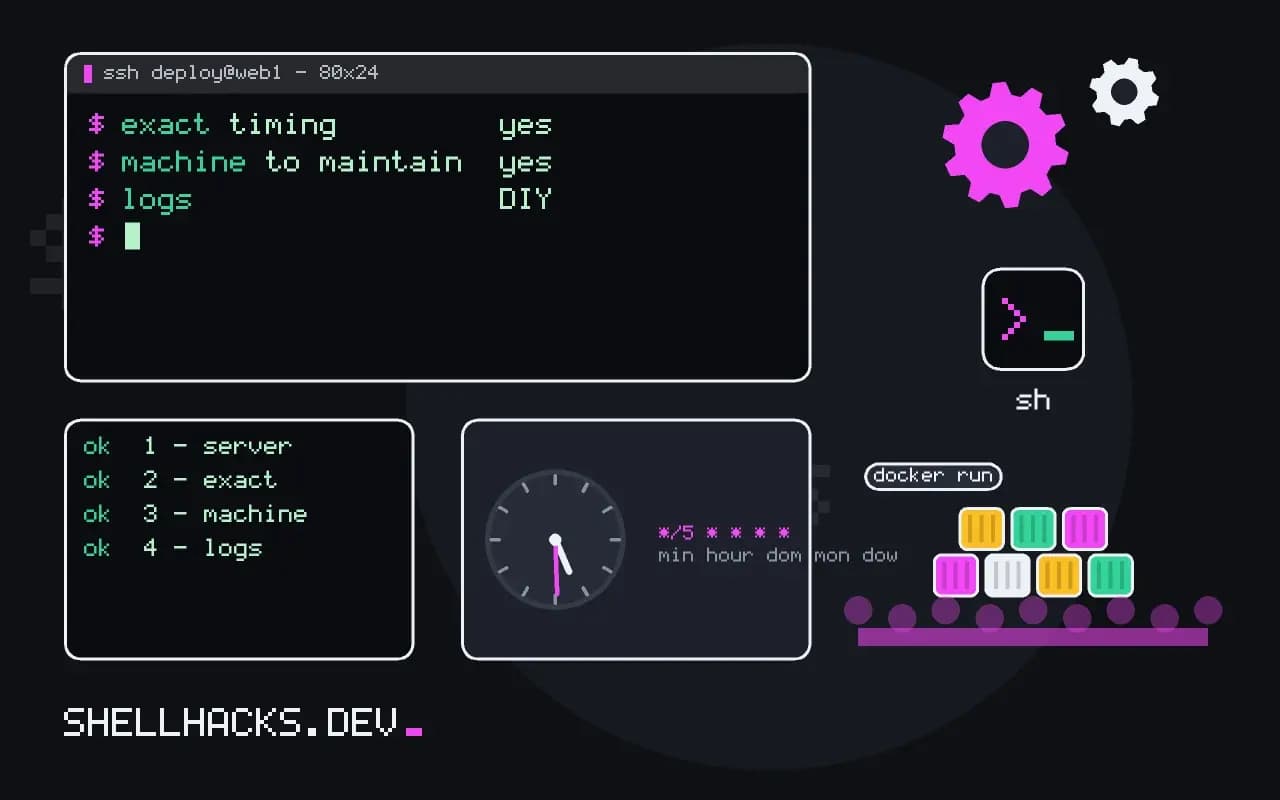
                     server cron    CI schedule      cloud/k8s
exact timing         yes            no (delays)      mostly
machine to maintain  yes            no               cluster or none
secrets              local files    platform store   IAM / secret store
logs                 DIY            per run          per run
retries              DIY            DIY              built in
missed-run alert     DIY            DIY              DIY, easier
Every option needs an alert when the job does not run or fails, so decide that first. A scheduled job that has not run for a week is the most common finding in a review.
What the trigger must provide
A scheduler is judged by four properties: whether it fires on time, whether it fires exactly once, whether it knows when the job failed, and whether it can be changed safely. Cron on a single server fires on time as long as the machine is up, and exactly once as long as nothing overlaps or restarts. It knows nothing about failure unless you add monitoring. Changing it means editing a file on a server, which is often unreviewed. Cloud schedulers and CI schedules, in contrast, keep their definitions in code and under review, record each run with its status and logs, and retry according to a policy. The price is that they start a fresh environment each time, which takes seconds to minutes, and so are poorly suited to jobs that must start at an exact second or that rely on local state.
Delivery guarantees differ. Most cloud schedulers promise at-least-once delivery, and some deliver late or twice during outages. A job triggered this way must be idempotent: running it twice produces the same result as once. Guard with a lock or a unique key stored with the result, such as the date of the period being processed, and skip when it exists.
CI schedules and their limits
A scheduled CI workflow is a convenient place for periodic checks and reports, because the runner, secrets and logs are already there. The limits are practical. Schedules run on a best-effort basis, often delayed by minutes under load and sometimes skipped, at the busiest times of the hour. They run only on the default branch in some systems, and are disabled automatically after a period of repository inactivity on some platforms. Time is in UTC. Minutes of runner time cost money or quota. Use them for tasks that can tolerate delay, such as dependency audits, link checks, nightly builds and reports, and not for anything that must happen at a specific moment.
Kubernetes CronJobs
A CronJob creates a Job on a schedule, and the Job runs one or more pods to completion. The fields that matter are concurrencyPolicy, which chooses between allowing overlapping runs, forbidding them or replacing the old one, startingDeadlineSeconds, which says how late a run may start before it is skipped, backoffLimit for retries, and successfulJobsHistoryLimit and failedJobsHistoryLimit for how many old runs to keep for inspection. A common failure is a controller that missed too many schedules while the cluster was down and then refuses to start the job, which the deadline setting controls. Set resource requests and limits on the pod and an activeDeadlineSeconds to kill a job that hangs. Time zones are supported with the timeZone field in recent versions.
Monitoring any scheduler
Whatever fires the job, you need to know when it does not. The cheapest effective method is a heartbeat: the job calls a monitoring URL on success, and the monitor alerts when a ping is late. That catches failures of the job, the schedule and the platform. Add a log line at start and end with the duration, track the duration over time, and alert when it drifts, because a job that runs twice as long as last month is about to hit a timeout. Keep the alert routing in code next to the schedule, so that it moves with the job.
Choosing by the job
A job tied to a machine's local files or services, with exact timing, belongs on that machine with cron or a systemd timer. A periodic check on code or dependencies belongs in CI. A batch job in a cluster that already runs your services belongs in a CronJob, to use the same deployment pipeline, secrets and monitoring. A job that needs to scale, queue and retry independently, with durable state, belongs in a workflow or queue system. Pick the simplest option that gives you review, visibility and safe failure, and write down why, so the next person does not have to reconstruct the reasoning.
Where this does not apply
If jobs depend on each other, need backfills or have a history of retries, a workflow orchestrator such as Airflow or Temporal fits better than any of these. For tiny personal tasks on a machine that is always on, a crontab line is enough. See the GitHub Actions schedule documentation and Kubernetes CronJob documentation.