Cron vs systemd Timers Which Should You Use With Examples
Compare cron and systemd timers: logging, missed runs, dependencies, resource limits, randomised delay and portability, with a timer unit example for each.
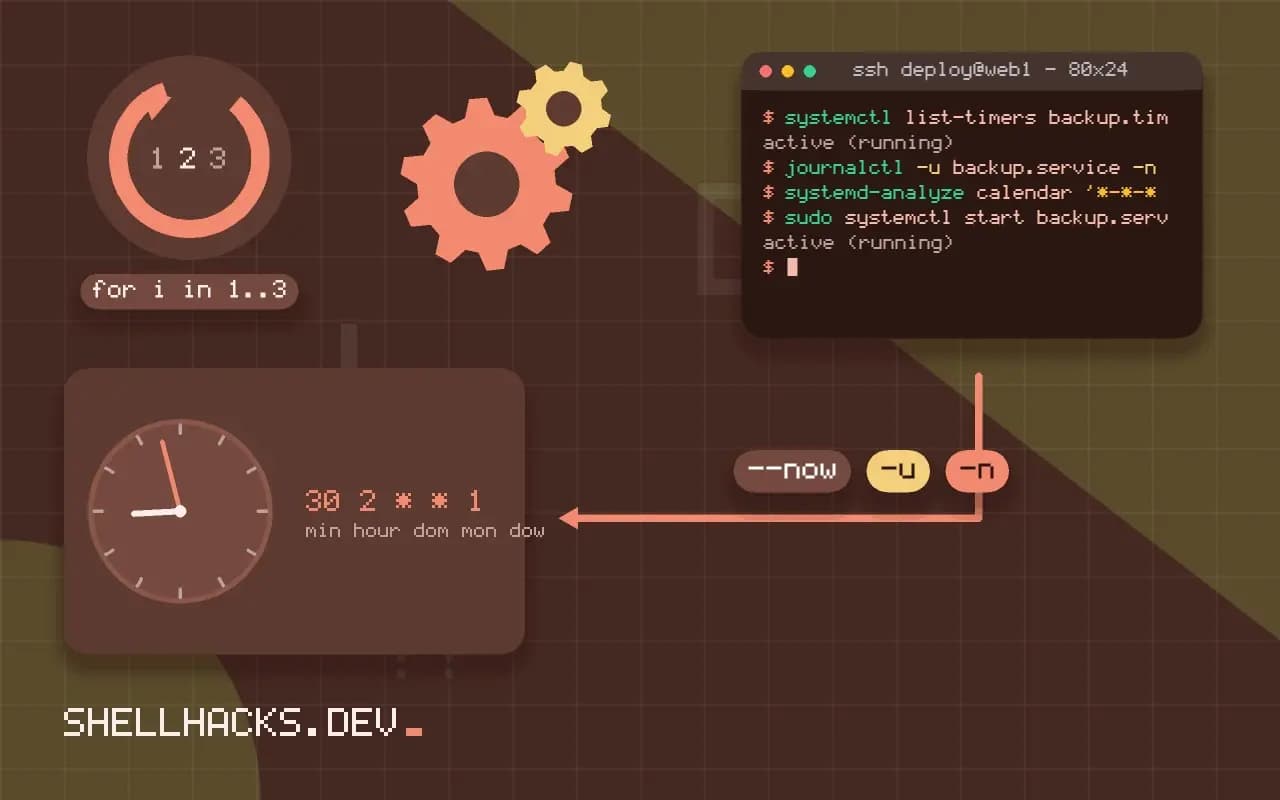
Both run commands on a schedule, and either can do a nightly backup. The differences show up when something goes wrong or when a job must follow other services. Cron is a few lines you can read in a second; systemd timers add structure and observability at the price of more files. The examples use systemd 255 on Ubuntu 24.04 and Vixie cron 3.0; the neighbouring comparison is in cron versus anacron versus systemd timers.
The same job in each
# cron
30 2 * * * backup /usr/local/bin/backup.sh >> /var/log/backup.log 2>&1
# /etc/systemd/system/backup.service
[Unit]
Description=Nightly backup
After=network-online.target
Wants=network-online.target

[Service]
Type=oneshot
User=backup
ExecStart=/usr/local/bin/backup.sh
Nice=10
# /etc/systemd/system/backup.timer
[Unit]
Description=Run backup nightly

[Timer]
OnCalendar=*-*-* 02:30:00
Persistent=true
RandomizedDelaySec=10min

[Install]
WantedBy=timers.target
sudo systemctl daemon-reload
sudo systemctl enable --now backup.timer
systemctl list-timers backup.timer
journalctl -u backup.service -n 20
The cron line is shorter and fine for a job you can recreate in a second. The timer is two files, and it comes with behaviour you do not have to build.
What timers add
Logging. Output of the service goes to the journal with timestamps and the exit status, so journalctl -u backup.service answers "did it run, what did it print, did it fail". Cron mails output or discards it. Missed runs. Persistent=true runs the job at boot if the machine was off at the scheduled time, which cron cannot do; anacron exists for that. Dependencies and environment. The service can wait for the network or a mount, run as another user, set limits with MemoryMax= and sandbox with ProtectSystem=, as in service hardening and resource limits. Overlap. A timer does not start a new run while the previous service is still active, which prevents the pile-up that cron allows. Load spreading. RandomizedDelaySec avoids a thousand servers hitting one API at 02:30.
What cron does better
Cron works the same on Linux, macOS, BSD and old Unix, needs nothing but a text file, and is understood by everyone. For a personal job or a script shipped to many kinds of machines, one crontab line is easier to write, review and move. crontab -e checks the syntax, and a typo in a unit file shows only when you load it. For per-user jobs without root, a systemd user timer works too, but requires lingering to run without a login, see loginctl enable-linger.
Testing and debugging
systemd-analyze calendar '*-*-* 02:30:00'
sudo systemctl start backup.service
systemctl status backup.service
systemd-analyze calendar shows the next elapsed time for an OnCalendar expression, which is easier than guessing. Starting the service by hand runs the exact command in the exact environment, and avoids the cron problem of a script that works only in your terminal, see scripts that work in a terminal but not in cron. More in systemd timers.
Failure handling and visibility
The greatest difference appears when a job fails. Cron runs the command and forgets it: output goes to mail that few systems deliver, the exit status is discarded, and the only trace is a line in the system log saying that the job started. A systemd timer triggers a service unit, and the unit has a status, an exit code, a journal with all its output, and a failure state that can be queried with systemctl status or systemctl --failed. Add OnFailure= to run another unit, such as one that sends a notification, and the job reports its own failure. This is the reason most teams that move critical jobs to timers cite: the failures are visible without extra tooling.
Cron can be made visible too. Wrap the job in a script that logs a start and end line and pings a monitoring service on success, so the absence of a ping raises an alert. That approach, a dead-man's switch, also catches the case where cron itself stops running, which no failure hook in the job can detect. It works with timers as well, and is the best defence against a schedule that silently stops.
Resource control and isolation
Because a timer starts a service, the job inherits everything systemd can apply to a service. Limit memory with MemoryMax=, CPU with CPUQuota=, and priority with Nice= and IOSchedulingClass=idle, so a backup does not starve the production workload. Sandbox with ProtectSystem=strict, PrivateTmp=true and NoNewPrivileges=true, and run as a dedicated user with User=. Set the environment explicitly with Environment= or EnvironmentFile=, which ends the guessing about what cron's short path contains. Cron offers none of this, and a job that runs as a user shares that user's full power.
Scheduling semantics
Timers express schedules with calendar expressions that are more readable than five fields for many cases: Mon..Fri 02:30, *-*-01 03:00 for the first of the month. RandomizedDelaySec= spreads start times across a fleet, Persistent=true runs a missed job at the next boot, and monotonic timers such as OnBootSec= and OnUnitActiveSec= run a job relative to boot or to the previous run, which expresses "five minutes after the last run finished" in a way cron cannot. A timer will not start a second instance while the service is still running, which avoids overlapping runs by default. Cron has none of these, and overlaps are prevented by adding a lock to the command.
Where cron still wins
Cron is a single line in a file that everyone knows, it exists on every Unix system including containers and old servers, and it needs no unit files. For a personal machine, a quick job, or an environment where you do not control the init system, it is the right tool. Cron users can set a job with crontab -e without root, and systemd user timers require a user session manager, which may not exist for accounts that are not logged in unless lingering is enabled. Choose the tool that fits the job's importance: casual tasks suit cron, and anything whose failure would matter suits a timer or a scheduler with monitoring.
Migrating gradually
Move one job at a time. Write the service unit, run it by hand with systemctl start and read the journal, add the timer, check the next trigger with systemctl list-timers, and only then remove the crontab line. Keep the same command in both files during a trial, but disable one to avoid double runs. Test the failure path by making the command exit non-zero and confirming that the notification fires. Record the change in the runbook, since a job that moved from the crontab is easy to lose when someone searches the old place.
Where this does not apply
Containers without systemd have no timers, and a Kubernetes CronJob or an application scheduler is the usual answer, see cron versus cloud schedulers. Alpine uses OpenRC and BusyBox cron. For jobs that need retries, dependencies between jobs and history, a workflow tool is a better fit than either. See systemd.timer(5) and systemd.time(7).