Cron Error Bad Minute and Bad Day of Week Causes and Fixes
Fix crontab bad minute, bad hour and bad day-of-week errors: field order, ranges, step syntax, names, and the percent sign, with a valid example for each.
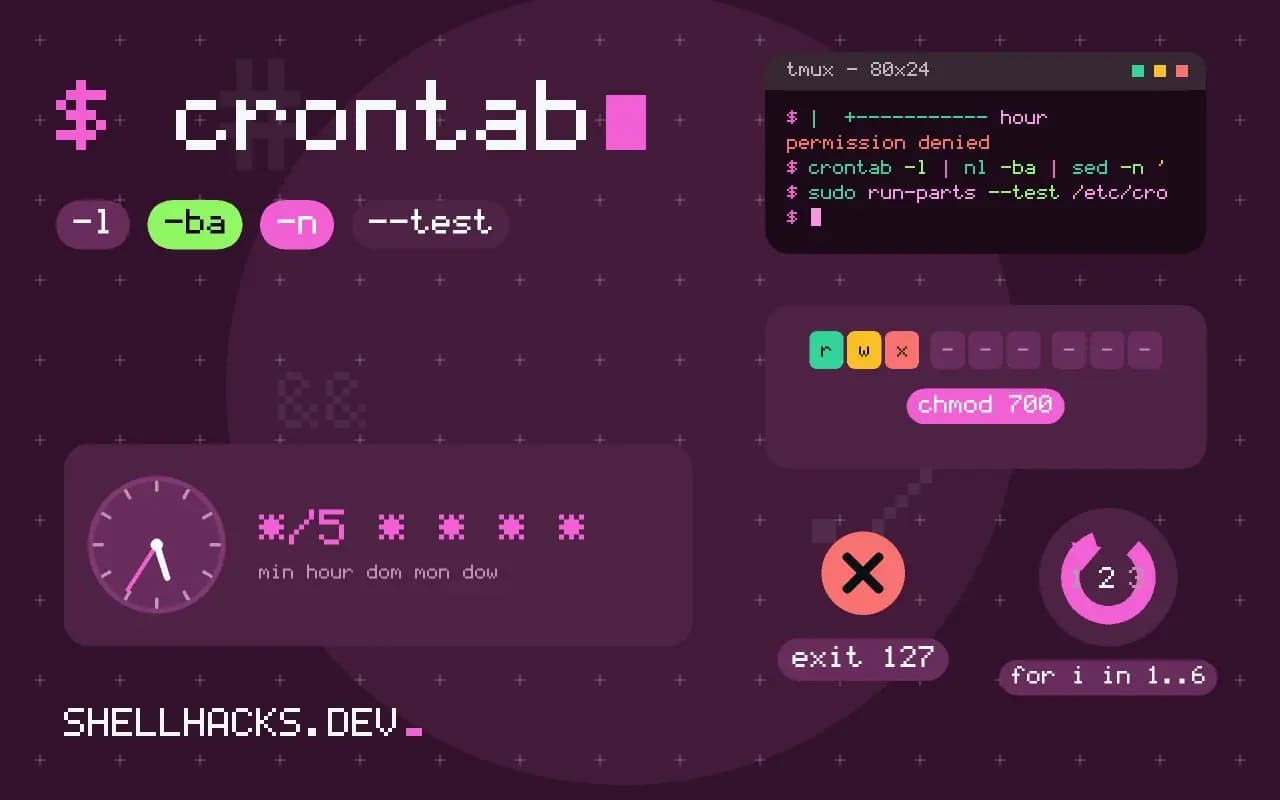
When you save a crontab with crontab -e, cron parses it first, and a bad line stops the save with a message such as "/tmp/crontab.Xk3": bad minute followed by errors in crontab file, can't install. The word after "bad" names the first field that failed to parse, which is the clue. The ranges below come from the cron implementation used on Debian and Ubuntu, Vixie cron 3.0pl1; the schedule syntax is explained in running a script every minute with cron.
The five fields and their ranges
*  *  *  *  *  command
|  |  |  |  |
|  |  |  |  +-- day of week   0-7   (0 and 7 are Sunday, or sun-sat)
|  |  |  +----- month         1-12  (or jan-dec)
|  |  +-------- day of month  1-31
|  +----------- hour          0-23
+-------------- minute        0-59
A value outside the range, such as 60 in the minute field or 24 in the hour field, produces the matching "bad" message. The usual typo is writing a time as 6:30 or 0630 in a field, or using 24 for midnight, which must be 0.
Common causes
60 3 * * * /usr/local/bin/backup.sh        # bad minute: 60 is out of range
0 24 * * * /usr/local/bin/backup.sh        # bad hour: midnight is 0
30 2 * * 8 /usr/local/bin/backup.sh        # bad day-of-week: 8 is out of range
*/0 * * * * /usr/local/bin/check.sh        # bad minute: step of zero
5 4 * * Mon-Fri /usr/local/bin/report.sh   # fine on most crons; names are case-insensitive
30 2 * /usr/local/bin/backup.sh            # too few fields: the path is read as a field
A line with too few fields shifts everything: cron reads the path as the day-of-week field and reports "bad day-of-week", which sends people looking at the weekday when the minute is the problem. Count the fields, there must be five before the command. Steps are written */5 or 0-30/10, and a step of zero is invalid. Ranges must go up, 5-1 is rejected by some versions.
The user column belongs in system files only
# /etc/cron.d/backup  (system format: six fields, then the command)
30 2 * * * root /usr/local/bin/backup.sh

# crontab -e  (personal format: five fields, no user)
30 2 * * * /usr/local/bin/backup.sh
Files in /etc/cron.d and /etc/crontab name the user in the sixth field. Pasting such a line into a personal crontab makes root part of the command, and it fails at run time, not at save time; the reverse, leaving out the user in a system file, makes the command name the user and fails the same way. See cron and systemd scheduling.
Check a crontab
crontab -l | nl -ba | sed -n '1,20p'
crontab -l | grep -vE '^\s*(#|$)' | awk '{ if (NF < 6 && $1 !~ /^@/) print NR": too few fields: "$0 }'
sudo run-parts --test /etc/cron.daily
Printing the crontab with line numbers helps map the error to a line. The awk line flags entries with fewer than six whitespace-separated words, skipping @reboot-style shortcuts. Online checkers such as crontab.guru show what a schedule means, and cron itself writes its parse errors to syslog or the journal, journalctl -u cron, when a system file is invalid.
Shortcuts that avoid the field problem
@hourly   /usr/local/bin/hourly.sh
@daily    /usr/local/bin/daily.sh
@reboot   /usr/local/bin/on-boot.sh
Vixie-style crons accept @reboot, @hourly, @daily, @weekly, @monthly and @yearly, which skip the fields entirely. They are not part of POSIX, and BusyBox cron lacks some of them.
How cron parses a line
Cron reads each non-comment line and splits it on whitespace into five time fields followed by the command, and in the system format a user field between them. Each time field accepts a number, a range like 1-5, a list like 1,15, a step like */10 or 10-50/10, and in some implementations names for months and weekdays. It rejects a field that is out of range, a step of zero, a range whose start is higher than its end in some implementations, or a name it does not know. The message mentions the first field that failed, and the line number it refers to belongs to the temporary file that the editor wrote, which is why the number can differ from what the editor shows if comment headers were added. A close look at the field named, and at the one before it, usually finds the error.
Variable assignments at the top of a crontab, such as MAILTO=, SHELL= and PATH=, are valid lines too, and they must have no spaces that break the form on some systems. A stray line from a copy and paste, like a prompt character or a leading space in a variable assignment, can produce a bad-line error that mentions a field.
Day of month and day of week
When both the day-of-month and day-of-week fields are restricted, standard cron runs the command when either matches, not both. So 0 3 1 * 1 runs at 03:00 on the first of each month and also on every Monday. People who want "the first Monday of the month" often write exactly that and are surprised. The usual solution is to set the day of week and test the date in the command: 0 3 * * 1 [ "$(date +\%d)" -le 7 ] && /usr/local/bin/job.sh, with the percent sign escaped, since an unescaped one ends the command in a crontab. Systemd timers can express the condition natively with a calendar expression such as Mon *-*-01..07 03:00, which is clearer.
Time zones, daylight saving and missed runs
Cron uses the system time zone of the daemon, and a job scheduled in the hour that is skipped or repeated at a daylight saving change either does not run or runs twice, depending on the implementation. Vixie-style cron compensates for small jumps, running jobs that fell into the skipped hour when time moves forward, and handling fixed-time jobs sensibly during the repeated hour, but behaviour for wildcard jobs differs. Schedule important jobs outside the 01:00 to 03:00 window, or run the server in UTC, which has no changes. A machine that is off at the scheduled time misses the job entirely; anacron and systemd timers with Persistent=true run missed jobs on the next start.
Testing a schedule before relying on it
A way to check an expression is to ask for its next runs. Tools such as crontab.guru in a browser explain the fields, and the Python package croniter prints the next dates in a script: python3 -c 'from croniter import croniter; import datetime; c=croniter("30 2 * * 1-5", datetime.datetime.now()); [print(c.get_next(datetime.datetime)) for _ in range(5)]'. For a quick functional test, schedule the job to run every minute with a harmless command that appends a timestamp to a file, wait for two lines, and then switch to the real expression. Remember to remove the test line. Keep the environment in mind: a job that works in a terminal can fail from cron because of its short path and missing variables, so run the actual command through env -i to reproduce it.
Logging and mail
Cron mails any output of a job to the owner or to the MAILTO address, which on a machine with no mail transport vanishes. Redirect output to a log file inside the command, >> /var/log/job.log 2>&1, and add a timestamp in the job itself, so the failure is visible. To confirm that cron ran the job at all, look in the system log: grep CRON /var/log/syslog or journalctl -u cron lists each start with the command. If the line is there and the job produced nothing, the problem is in the command, and if it is absent, the problem is in the schedule or the daemon.
Where this does not apply
A percent sign in the command is a different problem, covered in the percent sign in cron. Day-of-month and day-of-week together are an OR, not an AND, so 0 0 1 * 1 runs on the first of the month and on every Monday. Other cron implementations, such as those on macOS or BusyBox, have slightly different limits and messages. See crontab(5) and the POSIX crontab specification.