What Is a Heisenbug in Scripts and How to Corner One
A heisenbug in a script vanishes when observed: common causes (timing, buffering, state) and ways to corner it with logs, strace and repeat runs.
The script fails one run in twenty. You add a print to see why, and it passes forty times in a row. Such bugs are called heisenbugs, after the idea that looking changes the result. In shell scripts they have a short list of real causes, and a repeatable method gets them. This is part of the toolbox of debugging hangs and strace for scripts. The examples assume Bash 5.2 and Linux.
The usual suspects
./producer.sh &
./consumer.sh        # starts before the producer has written its file

grep -q ready status.txt && deploy      # reads while another process is writing

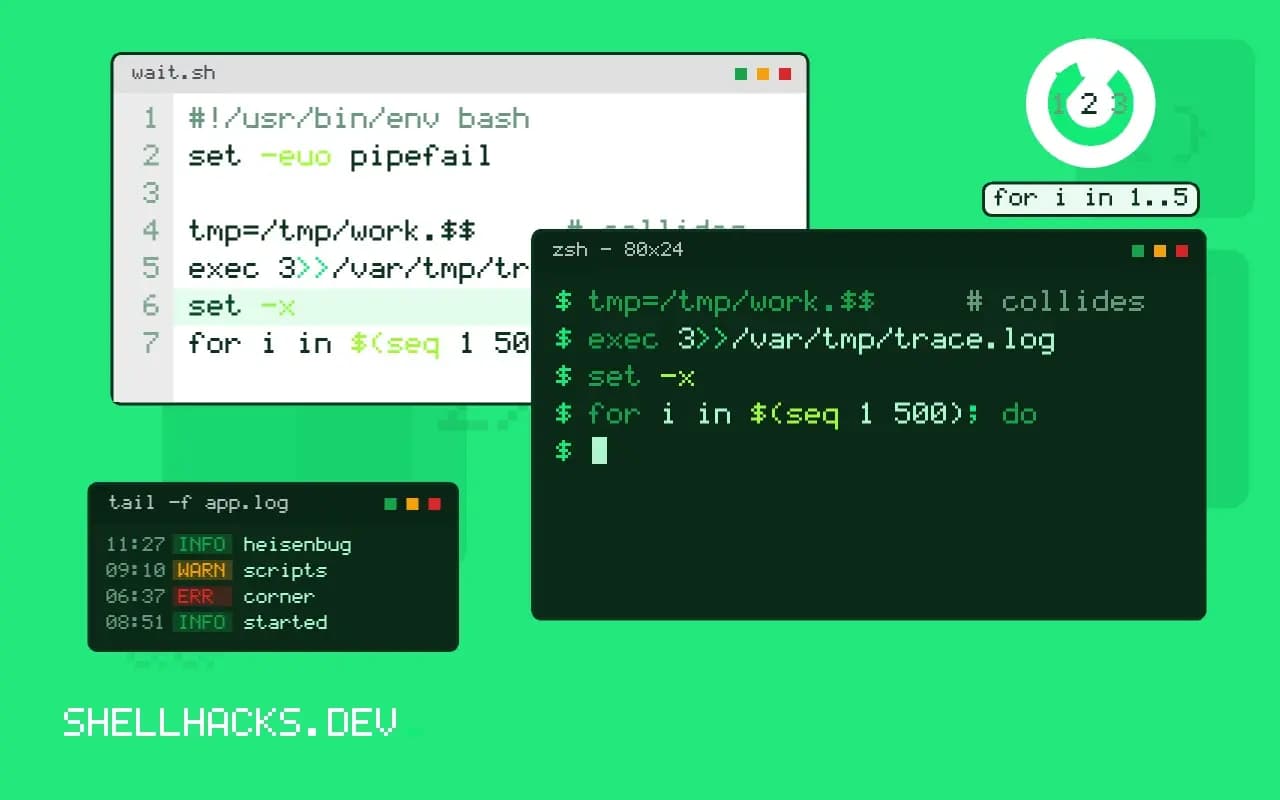
tmp=/tmp/work.$$     # collides after PID reuse or across containers
for f in *.log; do process "$f" & done     # no wait: the script exits first
Background jobs without wait, a file read while it is still being written, predictable temporary names, relying on ls order or on a service that "should be ready by now", unquoted variables that are empty only sometimes: each is nondeterministic. Output buffering also hides the order of events, see unexpected pipe output. A bug that depends on the number of CPUs, the load on the machine or the time of day is the same class.
Passive observation first
exec 3>>/var/tmp/trace.log
PS4='+ $(date +%T.%N) [$$] ${BASH_SOURCE##*/}:${LINENO}: '
BASH_XTRACEFD=3
set -x+ 10:41:02.114233901 [4821] job.sh:12: curl -fsS https://api.example.test/ready
+ 10:41:02.401120344 [4821] job.sh:13: deploy
Write trace output to a file descriptor rather than stderr, with timestamps and PIDs, so the log shows ordering without printing to the terminal. A log is cheaper than a debugger and changes timing less. Keep the log from every run, and look at what the failing run did differently from the passing ones. BASH_XTRACEFD exists in Bash 4.1 and later.
Repeat until it fails
for i in $(seq 1 500); do
  if ! ./flaky.sh >/tmp/run.$i.log 2>&1; then
    echo "failed on run $i"; break
  fi
  rm -f /tmp/run.$i.log
done
Run the script in a loop and stop at the first failure, keeping only its log. If it fails one in a hundred, five hundred runs finds it. Increase the chance by adding stress: run several copies at once (xargs -P 8), limit CPUs with taskset -c 0 or run stress-ng in another terminal. A race that rarely shows on an idle machine appears quickly on a busy one. Save the environment of the failing run, as covered in environment differences.
Capture state at failure
trap 'echo "failed at line $LINENO" >&2; ls -l /srv/in >&2; ps -ef --forest >&2; df -h >&2' ERR
set -E
An ERR trap that dumps the directory listing, the process tree and disk usage turns each failure into evidence; see trapping errors for debugging. For deeper insight into a process that fails rarely, strace -f -tt -o trace.out ./flaky.sh records system calls with timestamps. The slowdown from strace can hide a race, so compare with and without it.
Remove the nondeterminism
Once you have a failing log, make it fail every time. If you suspect a race between two steps, add a sleep in one place and see if the failure becomes consistent. Replace the waits with real synchronisation: wait for jobs, poll for a condition with a timeout (see waiting for a service), use flock for exclusive access, create temp files with mktemp and write files atomically by renaming. Fix the cause, and then run the 500-run loop again as a regression test.
Why intermittent failures behave this way
A script that fails sometimes depends on something it does not control. The sources fall into a handful of classes: timing between processes, the order in which a file system lists or delivers things, the state of the machine at that moment and external services. Adding a print statement changes timing by a few milliseconds, which is enough to hide a race, and that is the whole reason the bug seems to vanish when watched. Recognising the class early guides the investigation. If the failure correlates with load, suspect timing. If it correlates with the time of day, suspect an external schedule such as a backup or a rotation. If it correlates with the data, suspect an edge case in the input.
Write down every fact about the failing runs: time, host, user, load, input and preceding events. Intermittent bugs are statistical, and the facts that distinguish failing runs from passing ones are the clue. Even a rough table of twenty failures often shows a pattern that thinking alone never finds, such as all failures falling in the first minute after a log rotation.
Races in shell scripts
Shell scripts have races because they coordinate through the file system and process lifetimes, neither of which gives guarantees. Checking that a file exists and then using it leaves a gap in which another process can delete it. Starting a service and immediately connecting assumes it is listening. Writing a file in one process and reading it in another assumes the write finished. The fixes are the same in each case: make the operation atomic, as with writing to a temporary name and renaming, or wait for an explicit signal, as with a readiness probe, or hold a lock for the whole sequence.
Atomicity tools are few and worth knowing. Renaming within a file system is atomic. Creating a directory with mkdir either succeeds or fails, so it works as a lock. flock serialises access to a file. Hard links and ln -s to create a link fail if the target exists. Build the scripts that share state around these primitives and the races shrink to the ones you chose to leave.
Environment and resource causes
Some failures belong to the machine. A disk filling up at a particular hour, memory pressure that triggers the out-of-memory killer, a temporary directory cleaned by a system job in the middle of a run, a DNS resolver that sometimes times out or a clock adjusted by time synchronisation all produce failures that look random from inside the script. Log basic system state at the start and end of each run: free disk and inodes, load, memory and the time. When a run fails, the numbers either explain it or rule the machine out, which narrows the search.
Containers and CI runners add their own variability. Shared hardware means neighbours, and a job that passes on a quiet runner can fail on a busy one because a timeout is too tight. Timeouts that were set by guesswork are a frequent cause: replace them with values derived from measured behaviour, plus margin, and log how long each wait actually took so you can see how close to the limit you run.
Keeping the fix
When the cause is found, add a test that makes it deterministic. Insert a deliberate delay, using an environment variable that tests set, to force the unlucky ordering, and assert the correct outcome. Keep the stress loop as a nightly job for a while to confirm the failure rate has dropped to zero. Record the cause and the fix in the commit message, so the next person who sees an intermittent failure in the same area has a pattern to compare it with.
Where this does not apply
Not every intermittent failure is a race: a flaky network, an overloaded API or a full disk fails randomly from the script's point of view. Check the system first (disk and inodes, logs). A failure that appears only in production may depend on data you cannot copy; log more there instead. See the Bash variable reference for BASH_XTRACEFD and the strace manual page.