What Is umask and How to Set It Correctly on Linux
Learn what the Linux umask is, how it clears permission bits on new files and directories, and where to set it for a shell, a login or a service.
When a program creates a file, it asks for a mode, usually 666 for files and 777 for directories. The kernel then removes whatever the process's umask says, which is why most files end up as 644 rather than 666. The behaviour is defined by POSIX and is the same on any Linux; the commands below are from Bash 5.2 and GNU coreutils 9.4. Mode notation is explained in the chmod guide.
Read it
umask
umask -S0022
u=rwx,g=rx,o=rx
The leading 0 is the special-bits digit. 022 means "clear write for group and others". The symbolic form shows what remains allowed rather than what is removed, which many people find easier to read.
How the arithmetic works
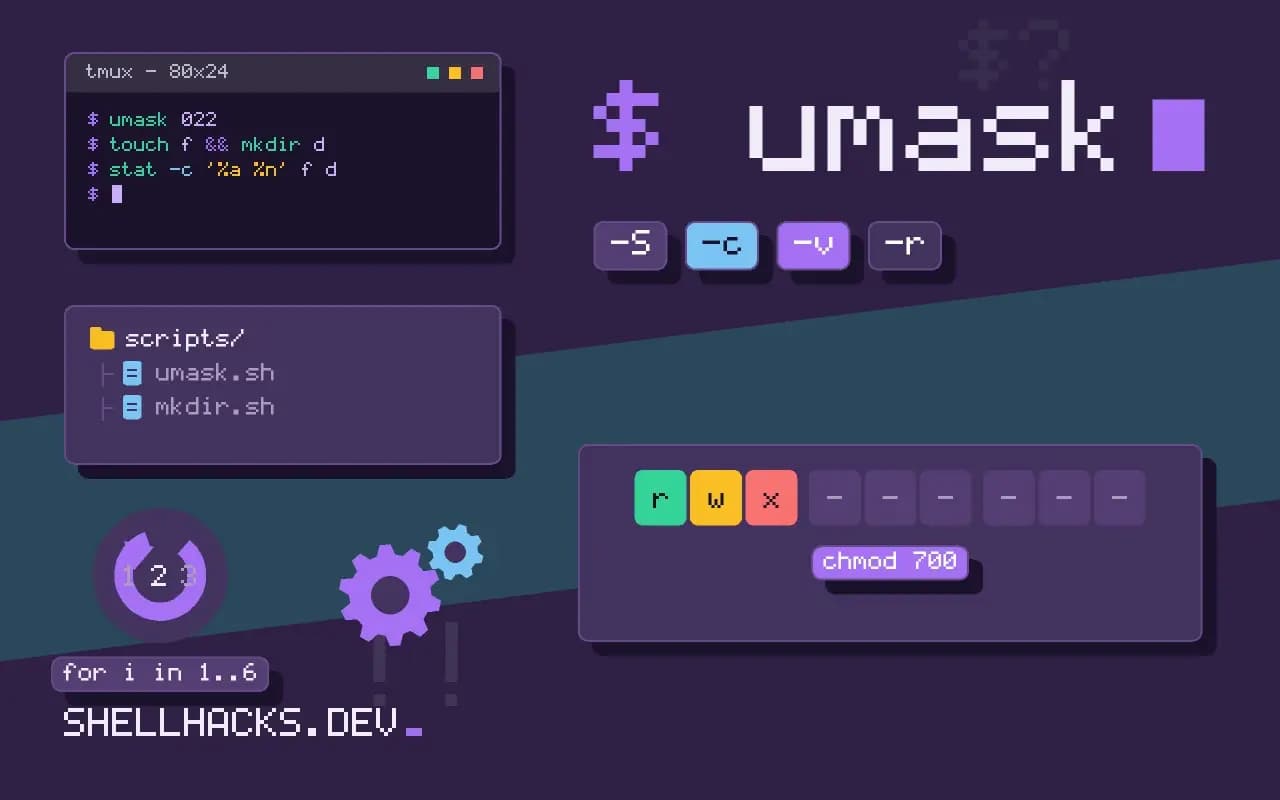
umask 022
touch f && mkdir d
stat -c '%a %n' f d644 f
755 d
A file requested at 666 with 022 removed is 644; a directory requested at 777 is 755. Think of it as bitwise "and not", not subtraction: umask 027 removes write from group and everything from others, giving 640 and 750. Files do not get execute bits from the umask path, because programs rarely request them at creation; that is why a new script needs chmod +x.
Common values
umask 022   # files 644, dirs 755: world-readable default
umask 027   # files 640, dirs 750: group can read, others nothing
umask 077   # files 600, dirs 700: private to the owner
For scripts that write credentials, set umask 077 first so a file is never briefly readable by others between creation and a later chmod. That window is a real race in code that creates a file and then restricts it, and it is one reason safe umask handling in scripts matters.
Make it permanent
A shell's umask is per process and inherited by children, so a change in one terminal affects only that session and what it starts. For login shells, set it in ~/.profile or ~/.bash_profile; see bashrc versus bash_profile. System-wide defaults come from UMASK in /etc/login.defs and from pam_umask. A systemd service uses UMask=0027 in its unit file, and cron jobs inherit a default of 022 unless the script sets its own.
What the umask does and does not do
The umask is a per-process mask of permission bits that are removed from the mode requested when a file or directory is created. It does not add anything, and it does not touch files that already exist. The kernel applies it inside system calls such as open and mkdir, so any program, whatever language it is written in, is subject to it. A child process inherits the parent's mask at creation, which is why a change made in a shell affects the commands it starts afterwards and nothing else. A change made by a child, such as running a script that calls umask 077, vanishes when the child exits and the parent's mask is untouched.
A program may also set its own mask. Daemons commonly call umask(0) or a restrictive value at startup so that their output does not depend on whoever started them. A service that writes files with surprising permissions often does so because of its own mask or because systemd sets one with UMask= in the unit file. Check the unit with systemctl show -p UMask service before suspecting the shell.
Reading the bits
Each octal digit covers one class, in the order owner, group and others, and each bit within a digit covers read (4), write (2) and execute (1). Seeing the mask as the complement helps: 022 in binary is 000 010 010, so the write bits for group and others are removed. The mode a new file gets is the requested mode with those bits cleared, computed as mode & ~umask. A requested mode of 666 and a mask of 027 gives 640, as in the earlier example. Directories start at 777 and so keep their execute bits, which is needed to enter them.
Programs that create executables, such as compilers and linkers, request modes with the execute bit, and the mask removes the bits it names from those as well. Copy commands like cp preserve the mode of the source, subject to the mask, unless -p or --preserve=mode is given. That is why a script copied from a shared directory sometimes arrives without the group write permission the original had.
Shared directories and collaboration
Teams that share a project directory usually want group-writable files. Three settings cooperate: the directory's group, the setgid bit so that new files inherit that group, and a umask of 002 so the group write bit survives. If any one is missing, one person creates files that the others cannot change. Setting 002 in the shell profile works for interactive use, but cron jobs, services and scripts started over SSH may not read the profile, so the missing mask returns as an intermittent permission failure. Placing the setting where each context reads it, or using a default ACL, removes the dependence on how the process was started.
Security reasoning
The default 022 lets any local user read new files. On a multi-user server that exposes logs, exports and temporary files that were never meant to be public. A stricter 027 or 077 default is a cheap hardening step, but it can break software that expects others to read its files, such as a web server reading content created by a deploy user. Test before changing a default for the whole system. Set the strict mask inside scripts that handle secrets and restore nothing afterwards, since the change dies with the script.
Files created in /tmp deserve care. A predictable name plus a lax mask allows another user to read or replace the file. Use mktemp, which creates the file with mode 600 regardless of the mask, and avoid names derived from the process id.
Verifying the result
When a service writes files with the wrong permissions, check from the outside instead of reasoning about the mask. Create a test file the way the service does, using the same user and the same unit settings, and look at its mode with stat -c %a. For a login shell, bash -lc umask prints the mask a fresh login will have, and ssh host umask shows the non-interactive mask, which often differs because different files are read. Writing both results into the change record makes the next investigation shorter.
Where this does not apply
The umask does not change files that already exist, and chmod is not affected by it. Default ACLs on a directory override it: when a directory has a default ACL, new files take the ACL's mask instead, as described in setfacl and getfacl. Some programs set permissions explicitly and ignore the umask on purpose, such as ssh-keygen for private keys. The behaviour is specified in the POSIX umask utility page, and the kernel side in the umask(2) manual page.