How to Use ACLs With setfacl and getfacl on Linux
Use Linux ACLs with setfacl and getfacl to give one user or group access to a file, set default ACLs for new files, and understand the mask and the plus sign.
Owner, group and others cannot express "this file is private, except that Alice may read it and the backup group may write it". Access control lists can. They are supported on ext4, XFS and btrfs, which mount with ACLs enabled by default, and the commands come from the acl package, version 2.3 on current distributions. The base model is in Linux file permissions.
Grant and read
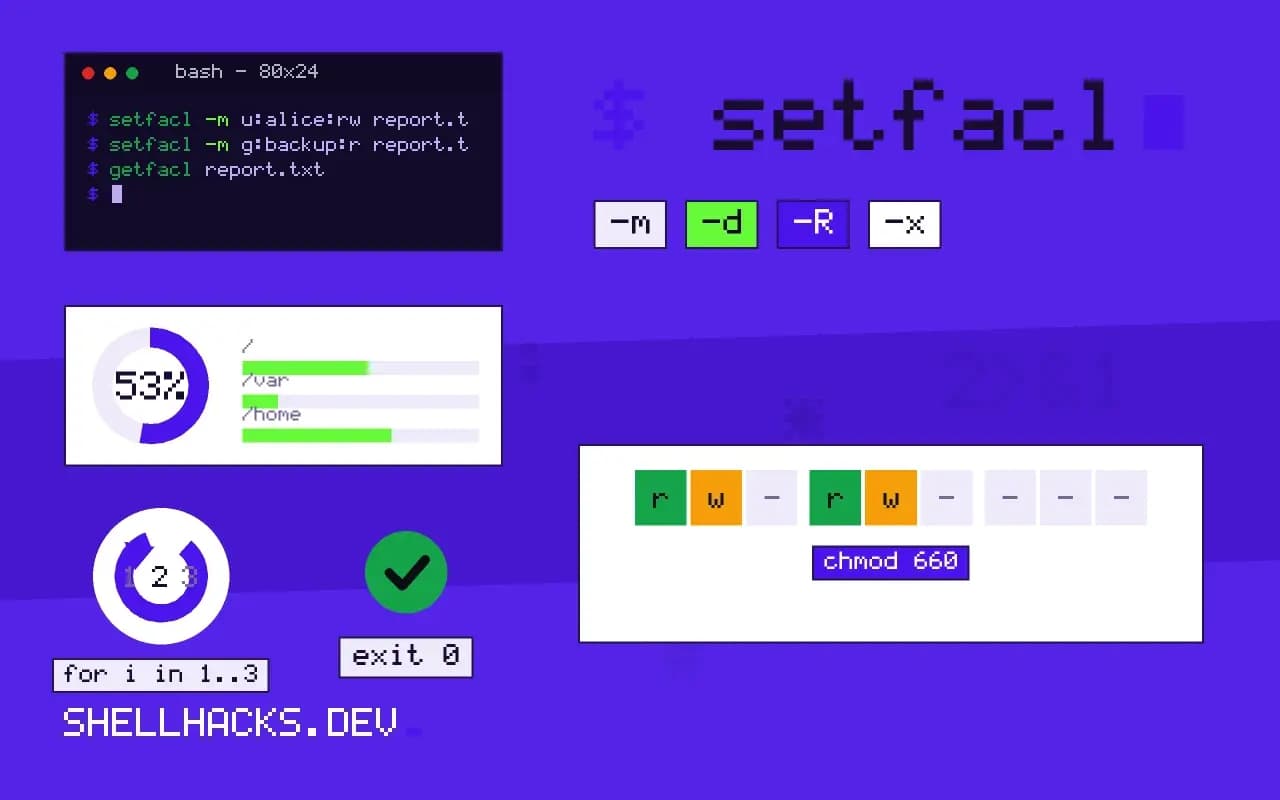
setfacl -m u:alice:rw report.txt
setfacl -m g:backup:r report.txt
getfacl report.txt# file: report.txt
# owner: bob
# group: staff
user::rw-
user:alice:rw-
group::r--
group:backup:r--
mask::rw-
other::---
Entries user::, group:: and other:: are the classic mode bits. Named entries are the additions. ls -l report.txt now shows -rw-rw----+, where the plus means an ACL is present and the group digits show the mask, not the owning group.
The mask
The mask is the maximum permission that named users and the owning group can effectively have. When you run chmod g-w file on a file with an ACL, you change the mask, and Alice loses write even though her entry still says rw-. getfacl marks such cases with #effective:r--. This surprise accounts for most "the ACL is set but it does not work" reports; recompute with setfacl -m m::rw file.
Default ACLs for new files
setfacl -d -m g:dev:rwx /srv/project
setfacl -R -m g:dev:rwx /srv/project
-d stores a default ACL on the directory, which new files and subdirectories inherit. It does not change files that already exist, so the second line applies the entry to the current contents. Default ACLs also override the process umask for new files, as noted in the umask guide.
Remove and copy
setfacl -x u:alice report.txt     # remove one entry
setfacl -b report.txt             # remove all ACL entries
getfacl -R /srv/a | setfacl --restore=-   # copy ACLs from a tree
cp -p and rsync -A preserve ACLs; plain cp and tar without --acls drop them, which is a common way for access to vanish after a restore.
Where ACLs apply and how to enable them
POSIX ACLs are supported by ext4, XFS, Btrfs and most other Linux filesystems, usually enabled by default in current kernels. On older ext3 or custom mounts, the acl mount option turns them on, and tune2fs -l shows the default mount options in the superblock. Network filesystems differ: NFS version 3 has a separate ACL protocol that servers may not provide, NFS version 4 has its own ACL model that maps only partly onto POSIX ACLs, and SMB shares carry Windows ACLs that Linux tools show differently. If setfacl reports "Operation not supported", the filesystem or mount does not allow it, and the fix is on the server or in the mount options.
The user space tools come in the acl package, which some minimal images omit. Installing it adds getfacl and setfacl. Keep the same package version on machines that exchange ACL dumps, since the text format is stable but options differ between releases.
Order of evaluation
When a process opens a file, the kernel checks the entries in a fixed order. If the caller is the owner, the owner entry decides. Otherwise, if there is a named user entry for the caller, that entry applies, limited by the mask. Otherwise the groups come next: the owning group and any named group entries are all checked, and access is granted if any matching entry allows the request and the mask allows it, but if a group matches and none grants the access, the request is denied without looking at the others entry. This ordering explains why adding a group entry can remove access from someone who relied on the others bits: a caller who is in a matching group that lacks a permission is refused. Reading getfacl output with that order in mind answers most "why can't she read it" questions.
Interaction with chmod, umask and copying
With an ACL in place, chmod changes the mask for the group class and not the owning group entry, which is the surprise noted earlier, and ls -l shows the mask in the group column. A default ACL on a directory bypasses the umask for new files: the creation mode is combined with the default ACL entries instead. A program that creates files with an explicit mode, such as 600, still gets the result of that mode intersected with the default ACL's mask. Tools that copy or archive must be told to keep ACLs: cp -a and rsync -aA do, and tar --acls does when creating and extracting. A restore as root with the option present rebuilds them, and a restore without it silently drops them, which shows up as a permission failure that nobody can explain from the mode bits alone.
Auditing ACLs on a system
Find files that have ACLs with getfacl -R -s -p /srv 2>/dev/null, which skips entries that have only the base permissions and prints the ones with extended entries, or look for the plus sign in a recursive listing. Keep a dump, getfacl -R -p /srv > acls.txt, in the backup set, and compare dumps over time with diff. Document the intended ACLs in configuration management, with the module that sets them, so that a rebuilt server does not depend on a hand-made change. A short comment in the runbook for each shared directory, naming the group and the reason, helps the next administrator avoid clearing entries that look unneeded.
Practical examples
A web server that must read uploaded files created by a deploy user is a typical case. Give the server's group read access with a default ACL on the upload directory, setfacl -d -m g:www-data:rX /srv/uploads, and apply it to existing files with a recursive call. The deploy user keeps ownership and full control, and no group membership has to change. Another case is an auditor who needs read-only access to a project tree: a named user entry with rX, recursive and default, grants it without adding the auditor to the project group, and removing the entry later ends the access cleanly.
Where this does not apply
ACLs make permission audits harder, since the answer is no longer visible in a simple listing. If a group and a directory with setgid solve the problem, prefer that, as described in setgid directories. NFSv3 mounts, FAT and many container volume drivers do not support POSIX ACLs, so the command fails with "Operation not supported". Check support with mount | grep acl or the filesystem's own options. The details are specified in the acl(5) manual page, with command options in setfacl(1).
Backups deserve one more sentence. Many backup tools ignore ACLs by default, so a restore can leave a shared directory with its owner and group intact but without the extra entries that made it work. Dump them with getfacl -R into a file stored beside the backup, and restore with setfacl --restore. Test that path once, since it is the sort of step nobody notices is missing until a team loses access.