How to Use syncthing or unison for Two Way File Sync
Compare Syncthing and Unison for two-way file sync, with setup steps for each, how conflicts are handled, and when rsync is the better one-way choice.
One-way copying is easy; changes happening on two machines are not. Two-way sync tools track what changed on each side since the last run, which is what separates them from rsync run twice. Syncthing and Unison solve the problem in different styles. The examples use Syncthing 1.27 and Unison 2.53; the one-direction tools are in the rsync guide.
Syncthing: always-on sync
sudo apt install syncthing
systemctl --user enable --now syncthing.service
xdg-open http://127.0.0.1:8384
Syncthing runs as a user service and serves a web interface on localhost. On each machine, copy the device ID from the interface and add it on the other, then share a folder; both sides must accept. Changes are detected through filesystem notifications and sent directly between devices, encrypted with TLS, with relays and local discovery to cross networks. There is no cloud server to trust or pay for. Set a GUI password and keep the interface bound to localhost, as the default does.
Syncthing conflicts and versions
If a file changes on two devices at once, the newer modification time wins, and the other copy is renamed to name.sync-conflict-DATE-TIME-DEVICE.ext, so nothing is silently lost. Deletions propagate to the other side, which makes accidental deletion a risk, so enable file versioning on the folder, for example staggered versioning that keeps older copies in .stversions. A folder marked "send only" on a server prevents a laptop mistake from propagating to it.
Unison: on-demand sync
unison ~/notes ssh://alice@server//home/alice/notes
unison -batch -prefer newer ~/notes ssh://alice@server//home/alice/notes
Unison compares two roots, local or ssh://, against an archive of the last known state, then lists what changed on each side and asks what to do. The server needs the same major version of Unison installed. -batch removes the prompts, and -prefer newer resolves conflicts by modification time, which suits a script but can drop the edit you cared about. Without a preference, a conflicting file is skipped in batch mode and reported.
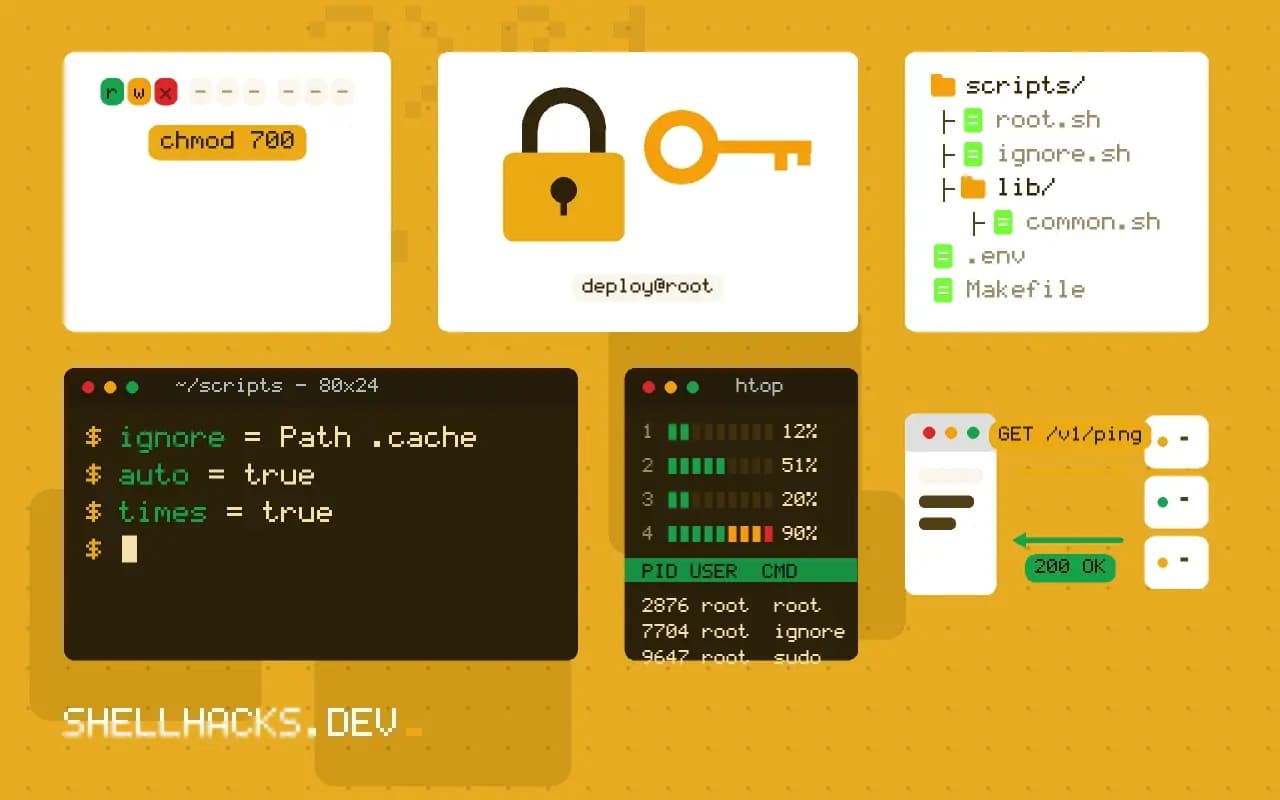
A Unison profile
# ~/.unison/notes.prf
root = /home/alice/notes
root = ssh://alice@server//home/alice/notes
ignore = Name *.tmp
ignore = Path .cache
auto = true
times = true
Run it with unison notes. Profiles keep the roots and ignore rules together, and the sync can be called from a cron job or a systemd timer, as in scheduling with cron and systemd. times = true keeps modification times in step across hosts.
How two-way sync decides
A two-way tool needs more information than one-way copying, because a difference between two files could mean either side changed. It keeps a record of the state at the last successful sync, and compares each side to that record. A file changed on one side only is copied to the other. A file changed on both is a conflict. A file missing on one side is either new on the other or deleted here, which the record distinguishes. Syncthing keeps the record in a database per folder and shares version vectors among devices. Unison keeps an archive on each side. Without that record, a tool must guess, and the guess is how data is lost. That is also why you should not point two different tools at the same folder, or copy a folder's contents by other means while the sync tool is paused: the record no longer matches reality.
Conflict handling and what to do about it
Conflicts are not rare for files that people edit on several devices, such as notes and documents. Syncthing keeps both versions, renaming the loser, and leaves it to you to merge. A search for conflict files across the folder shows what needs attention, and a periodic check avoids a pile of stale copies. For text files, a three-way merge tool with the common ancestor gives better results than choosing one side. Avoid conflicts at their source: do not edit the same file on two machines before the first has synced, make sure devices are connected before starting work, and split documents that are edited by several people into separate files. Unison asks for a decision on each conflict in interactive mode, which is slower and safer, and has policies for batch mode that choose by modification time or by a preferred side.
Versioning, trash and recovery
Because deletions propagate, a safety net is part of using sync. Syncthing offers file versioning per folder: a trash can that keeps deleted and replaced files for a number of days, simple versioning with a fixed count of copies, staggered versioning that thins old versions over time, or an external command. Turn one on for any folder that matters, on at least one device that is always on and not exposed to casual deletion. Unison can keep backups of replaced files with the backup preference. Neither replaces a proper backup with history on separate storage, because a fault that damages files on all devices damages the copies too.
Security, discovery and ports
Syncthing encrypts traffic with TLS and authenticates devices by certificate, shown as device IDs. Verify an ID by comparing it on both screens before accepting a device, since adding the wrong ID shares your files with a stranger. It finds peers through local discovery on the network and global discovery servers, and falls back to relays when direct connections fail, which are slower but cannot read the data. The web interface on port 8384 should stay bound to localhost, with a username and password set if the machine is shared, because it controls the whole service. Unison runs over SSH, so it inherits SSH authentication and encryption, and needs the same version of the program on both ends, since the archive format changes between major releases.
Choosing for a situation
Syncthing suits a set of personal devices that should stay current without thought: phone photos, notes, a documents folder. Unison suits a deliberate, occasional synchronisation between two machines, such as a laptop and a server, where you want to review changes before accepting them. For a single source with many readers, a one-way tool like rsync or a version control system is better, since two-way machinery adds nothing and adds conflict risk. For team collaboration on code, Git is the right tool, and file sync is a poor substitute that fights with tools writing into the folder.
Where this does not apply
Neither is a backup. A deletion, a corrupted file or ransomware encryption on one machine propagates to the others within seconds or at the next sync, so keep versioning on or run a real backup such as restic or borg as well. Clocks matter for conflict choices, so keep time in sync, see time zones and chrony. Both tools struggle with a huge number of tiny files or databases that change constantly: do not sync a live database directory. For a pure mirror, rclone or rsync is enough. The documentation is at docs.syncthing.net and in the Unison project repository.