How to Ask a Good Question About a Failing Script Easily
Ask a good question about a failing script: what to include, the minimal reproduction, exact output, versions and environment, with a template.
A question like "the script does not work, why?" cannot be answered, because the answer depends on facts that are not in the question. The people who could help need about six facts, and gathering them often solves the problem before anyone replies. The habits are the same ones that lead to the fix in a minimal reproducible script, and the checklist applies equally to forums, issue trackers, chat and a colleague's desk.
The template
**Goal:** copy the newest file from /srv/in to /srv/out.

**Expected:** the file appears in /srv/out.
**Actual:** nothing is copied; exit status 1.

**Command:** `./sync.sh /srv/in /srv/out`

**Error output (exact):**

    ./sync.sh: line 7: [: too many arguments

**Minimal script that reproduces it:**

    newest=$(ls -t "$1" | head -1)
    if [ -f $1/$newest ]; then cp "$1/$newest" "$2"; fi

**Environment:** Bash 5.2.21 on Ubuntu 24.04, run by hand and by cron.
**Tried:** quoting `$newest`; ShellCheck reports SC2086 on line 2.
The template fits on a screen and every line pays for itself. It is shown in a code block of Markdown, which is the format most forums use. The example script has a quoting bug: the unquoted $1/$newest splits when a name contains a space, and the error is visible in the "exact output" line.
Get the facts
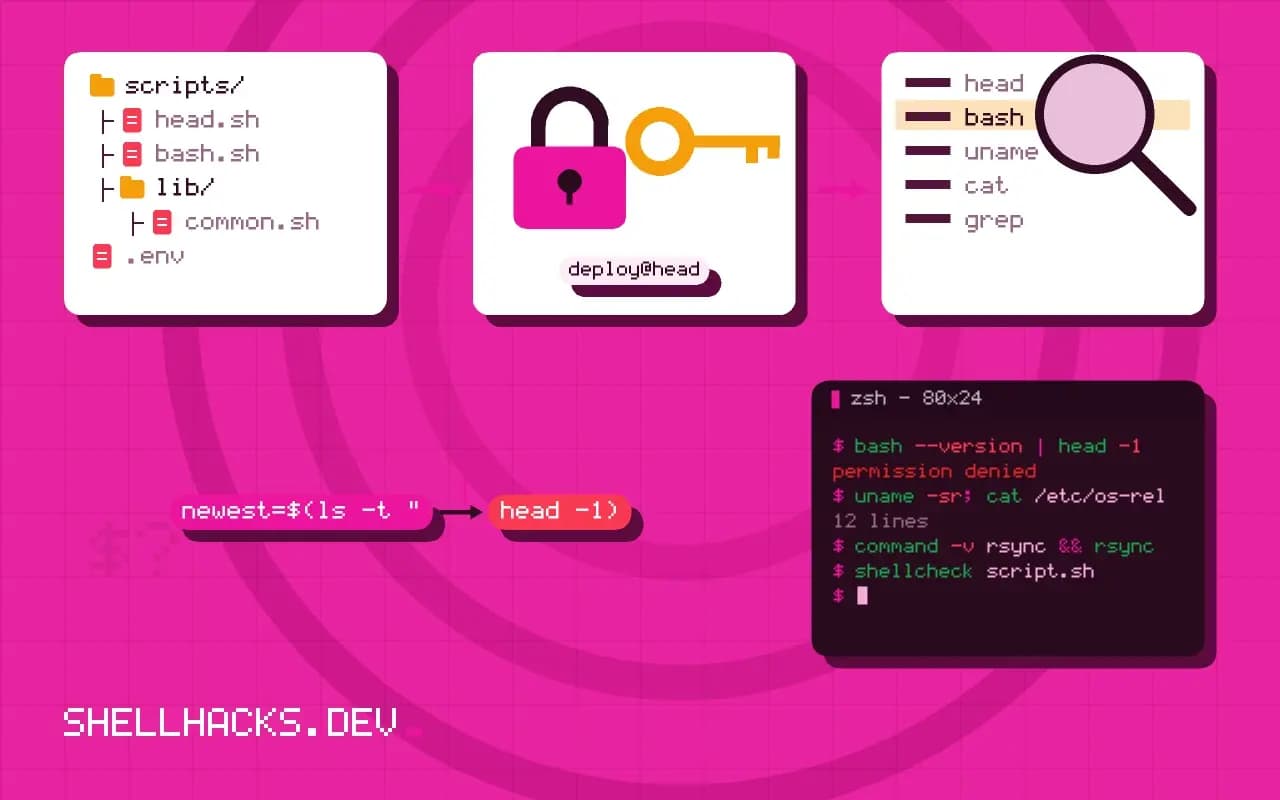
bash --version | head -1
uname -sr; cat /etc/os-release | grep PRETTY_NAME
command -v rsync && rsync --version | head -1
shellcheck script.sh
bash -x script.sh 2>&1 | tail -20
Version numbers decide answers: GNU and BSD tools differ, as covered in sed on macOS and Linux, and Bash 3.2 on macOS lacks features that Bash 5 has. State how the script is launched (by hand, cron, systemd, CI), because the environment differs, see terminal versus cron. The trace from bash -x shows what was actually run, with variables expanded.
Reduce it
cp script.sh /tmp/repro.sh
# delete half, run, and keep the half that still fails
bash /tmp/repro.sh; echo "exit: $?"
Cut the script in half and run it. If it still fails, keep that half; if not, the cause is in the other half. Repeat until about ten lines remain. Replace real data with a made-up sample that shows the same behaviour. This is the same binary search as bisecting a regression. If the failure vanishes during reduction, the last thing you removed is the cause. Make the reproduction self-contained: a person should be able to paste it into a fresh shell and see the error.
What to leave out
Do not paste passwords, tokens, hostnames or customer data; replace them with example.test and change-me. Do not post a 400-line script with the comment "the problem is somewhere in here". Do not post screenshots of text, since they cannot be searched or copied. Do not write only "it does not work" or "error". And do not skip the question of what you tried; it saves people repeating it and shows where your understanding is.
Check before you post
Run the script through ShellCheck and read the warnings; they explain a large share of failing scripts. Search for the exact error message in quotes. Check the manual of the command involved. If the question is about a tool's behaviour, include the version and a link to the documentation you read. When you find the answer, post it, so the next person with the same error finds it too. For a longer checklist of common causes, see debugging quoting and expansion.
What a good question looks like from the reader's side
A volunteer answering questions has a few minutes and no access to your machine. They read the title, skim the body and decide whether they can help. A question that states the goal, shows the smallest failing example and gives the exact error can be answered by someone who has never seen your project. A question that says "it does not work" with a screenshot of a terminal gets a request for more information, and many people skip it instead of asking. The time you spend writing the question is the cheapest part of the whole exchange, and the quality of the answer depends on it directly.
Lead with the goal, and then the attempt. People often ask about the step they think is broken instead of the thing they want, and the best answer is sometimes "do it another way entirely". If you describe only the attempt, you cannot receive that answer. Stating the goal in one sentence costs nothing and lets a helper suggest a better approach than the one you are stuck on.
Making the example runnable by someone else
A reproducible example runs on the reader's machine with no setup beyond copying it. That means no references to files that only you have, no private hostnames and no dependence on your shell configuration. Replace real data with a few made-up lines that show the same shape, create them in the example with a here-document and name every tool and version it uses. Run the example yourself in a fresh directory or a container before posting, to confirm it fails in the way you describe. Surprisingly often, the example passes on a clean machine, which means the cause was something in your environment, and you have found it without help.
Include the exact error text as text, in a code block, not paraphrased. Small details in messages, like a line number or the name of the quoting character, are what an experienced reader recognises at a glance. If the output is long, include the first and last lines, plus whatever follows the first error, since later messages are often consequences.
After you post
Stay available. Check for replies, answer clarifying questions with facts and try the suggestions before replying. If someone's answer works, say so and mark it accepted so others with the same problem find it. If you solve it yourself, post the solution; the next person to search for the same error message will be grateful, and it is often you, a year later. Thank people briefly. Avoid edits that remove the original question, which strip the context from every answer given.
Treat advice that touches security or data loss with care. Do not run a command from an answer you do not understand on a machine with data you care about; read the manual for each flag first, or try it in a container. A good answer explains why it works, and one that offers only a command to paste deserves a follow-up question before use.
Finally, keep the question small enough to answer in one reply. Several unrelated problems in one post get a partial answer or none. If you have three issues, post them separately, each with its own minimal example, and link them if they share a cause. Short, focused questions are answered faster, indexed better by search engines and more useful to the next person.
Where this does not apply
Some problems cannot be reduced: timing issues, load-dependent failures and bugs that depend on large data. Say so, and describe the circumstances: frequency, load and what changed recently, as in cornering a heisenbug. For security vulnerabilities, report privately to the maintainers instead of a public forum. See the minimal reproducible example guide and the ShellCheck site.