Cron Error Command Not Found in Crontab Causes and Fixes
Fix command not found in cron: the short PATH, tools installed in user directories, version managers, sudo, absolute paths, and how to prove the cause.
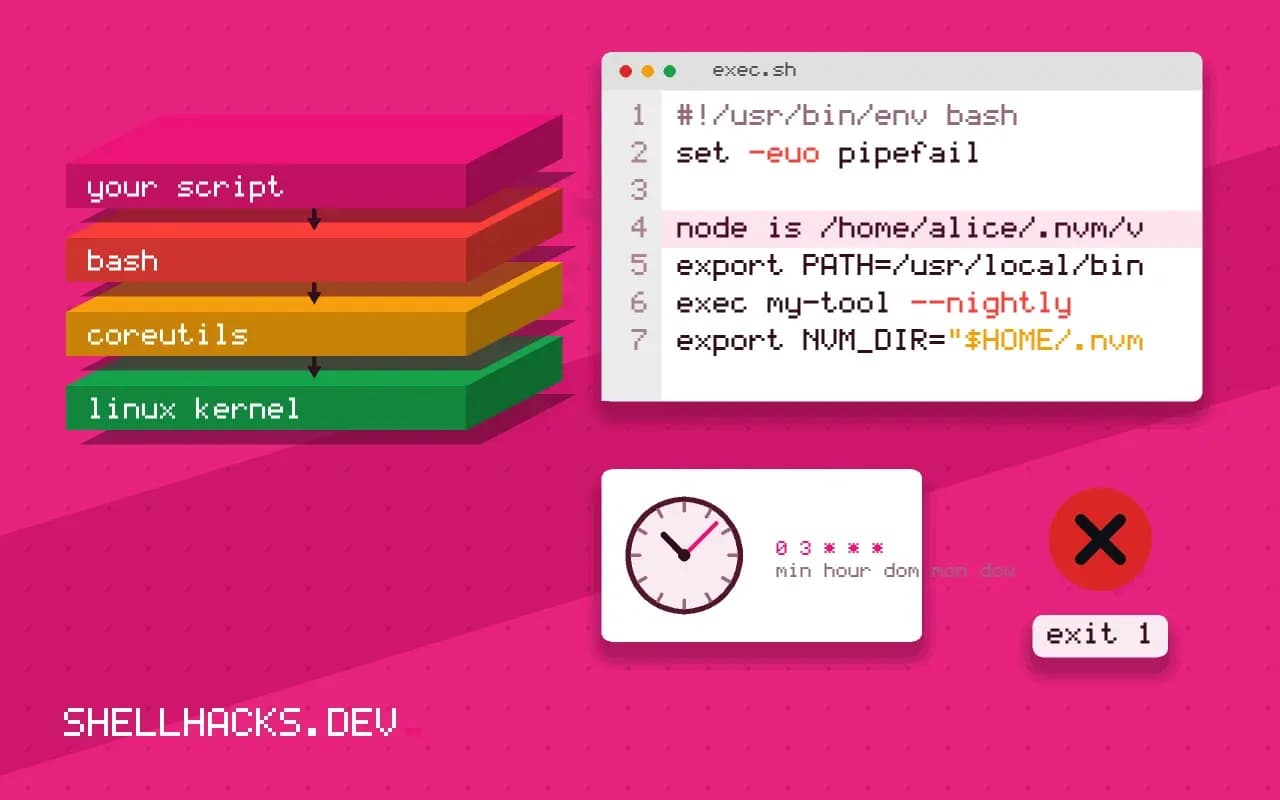
The log line reads /bin/sh: 1: node: not found or python3: command not found, while the same command works in your terminal. The command exists. Cron cannot find it, since it starts jobs with a much smaller environment than your login shell. This is the single most common cron failure, and the fix is a line of configuration. It is the focused version of the checklist in cron job not running, and the commands assume Debian-style cron on Linux.
Prove it with the output
* * * * * /home/alice/bin/job.sh >> /tmp/job.log 2>&1
tail -3 /tmp/job.log/home/alice/bin/job.sh: line 4: node: command not found
/bin/sh: 1: backup-tool: not found
The redirect captures what cron would otherwise mail to nobody. The message names the missing command and which shell reported it. Then see what cron's PATH is, by running env from cron (* * * * * env > /tmp/cron-env.txt) and comparing with echo $PATH in your terminal. Typically cron shows PATH=/usr/bin:/bin.
Find where the command lives
command -v node python3 aws backup-tool
type -a node/home/alice/.nvm/versions/node/v22.11.0/bin/node
/usr/bin/python3
/usr/local/bin/aws
node is /home/alice/.nvm/versions/node/v22.11.0/bin/node
Anything under /usr/local/bin, ~/.local/bin, /opt/homebrew/bin or a version manager's directory is missing from cron's PATH. command -v gives the path to use; type -a shows all candidates in order.
Fix 1: absolute paths
0 3 * * * /usr/local/bin/aws s3 sync /srv/data s3://example-test-bucket/data >> /var/log/sync.log 2>&1
It is the most explicit and the most reliable: the line says exactly which binary runs. Do the same inside the script for any tool outside the standard directories, or set the path once at the start.
Fix 2: set PATH in the crontab or script
SHELL=/bin/bash
PATH=/usr/local/bin:/usr/bin:/bin:/home/alice/.local/bin

0 3 * * * /home/alice/bin/job.sh >> /tmp/job.log 2>&1
#!/usr/bin/env bash
export PATH=/usr/local/bin:/usr/bin:/bin:"$HOME/.local/bin"
exec my-tool --nightly
Variable lines at the top apply to all following entries, but cron does not expand $PATH or $HOME in them (on most implementations), so write the full list. Setting it inside the script is safer when the script may also run from systemd or CI. Use SHELL=/bin/bash if the line uses Bash features such as [[ ]].
Fix 3: version managers
#!/usr/bin/env bash
export NVM_DIR="$HOME/.nvm"
. "$NVM_DIR/nvm.sh"
nvm use 22 >/dev/null
exec node /srv/app/cleanup.js
nvm, pyenv, rbenv and asdf add their directories to PATH or define shell functions from your profile. Cron never reads the profile, so the commands vanish. Either point at the exact binary (a path with the version number, which breaks on upgrades), a "shims" directory such as ~/.pyenv/shims, or load the manager in the script as above. Pinning an interpreter in a virtual environment and calling /srv/app/.venv/bin/python is the most stable option for Python.
Other causes with the same message
head -1 /home/alice/bin/job.sh | od -c | head -2
sudo -l
A script whose first line ends in a carriage return fails with "bad interpreter" or "not found", see line ending bugs. A command run through sudo in cron uses sudo's secure_path, which differs again. A cron job for another user, covered in running cron as another user, has that user's smaller environment.
Why cron starts with so little
Cron is a daemon that runs as root, long before any user logs in, and it launches jobs by forking a shell with a deliberately minimal environment. It sets a handful of variables, HOME, LOGNAME, SHELL and a short PATH, and nothing else. It does not run a login shell, so none of the files that normally extend the environment are read: no profile, no bashrc, no version manager hook. This is a design choice. A scheduled job should behave the same whether anyone is logged in, and it should not depend on a prompt customisation someone added last year.
The consequence is that anything you installed outside the standard system directories is invisible. Package managers that install into a user's home, language runtimes installed by hand under /opt, and tools placed in /usr/local/bin on a system where cron's default path omits it all fail the same way. The error message names the command and not the reason, which is why the problem feels mysterious the first time.
Choosing between the fixes
Use absolute paths for a handful of commands, because the line then documents exactly what runs and survives any change to the surrounding environment. Set PATH in the script when it calls many tools, and keep the list short and explicit. Load a version manager in the script only when the version is managed per project and you actually want it to follow the project. For system-wide jobs, avoid per-user installs entirely, and install the tool where every account can see it.
Think about upgrades. A path that contains a version number, like the nvm example above, breaks the day the version changes, and the failure arrives silently at three in the morning. A stable path, a symlink managed by the package, or a shim directory moves with the upgrade. Whichever you pick, add a line at the top of the script that checks the tool exists, with command -v node || { echo "node missing" >&2; exit 127; }, so a broken path produces a clear message in the log instead of a failure ten lines in.
Testing a cron job without waiting
Waiting for the schedule to test a change is slow. Reproduce cron's environment on demand instead: env -i HOME="$HOME" LOGNAME="$USER" SHELL=/bin/sh PATH=/usr/bin:/bin /bin/sh -c '/home/alice/bin/job.sh' runs the job with the same empty-ish environment, in a few seconds, from your terminal. If it fails the same way, you have reproduced the bug and can fix it interactively. Once it passes there, set the schedule to every minute for a short test, confirm a log line, and restore the real schedule.
Keep the output. A job with no redirect sends its output to local mail, which many servers do not deliver, so the error disappears. Writing to a log file in a known location, with a timestamp at the start of each run, gives you the history needed when a job works for a month and then breaks after an upgrade.
Hardening the setup for the long run
Make jobs self-describing. A short comment above each crontab line saying what it does, who owns it and where the log is turns the file into documentation. Put the environment settings in one place, the top of the file or a wrapper script used by every job, so a change to the path is made once. And prefer a systemd timer for new jobs where it is available: a service unit has an explicit environment section, a journal for output and a status command, which removes most of the mystery that makes this error so common.
Where this does not apply
If the command is on the PATH and the job still fails, the problem is permissions, an environment variable or a missing library, not lookup. If no CMD line appears in the cron log, the job did not start, see cron's environment. The references are the crontab(5) manual page and the Bash manual on command search.