Docker
How to Use Read Only Containers and Drop Capabilities
Harden containers with --read-only, tmpfs mounts, --cap-drop ALL and no-new-privileges, adding back only the capabilities the application needs.
6 min read
Tag
38 posts
Harden containers with --read-only, tmpfs mounts, --cap-drop ALL and no-new-privileges, adding back only the capabilities the application needs.
Scan Docker images for vulnerabilities with Trivy or Grype: read severity and fixed versions, fail CI on high findings, and handle false positives.
Run Docker containers as a non root user: the USER instruction, creating a user, file ownership, ports below 1024, and the runtime --user flag.
Use Podman as a Docker replacement in scripts: alias, rootless defaults, Compose, systemd units, port and volume differences, and what does not carry over.
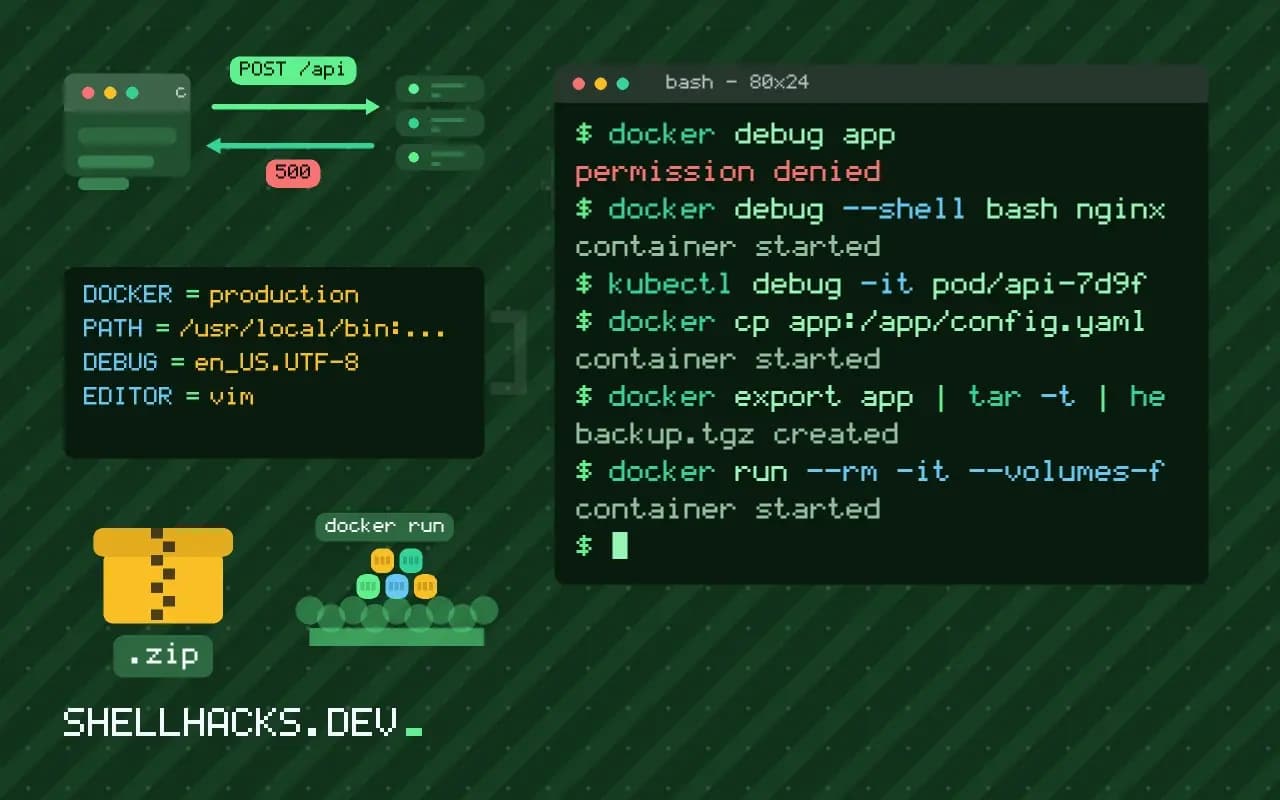
Debug minimal and distroless containers with docker debug, toolbox containers that share namespaces, and kubectl debug ephemeral containers.
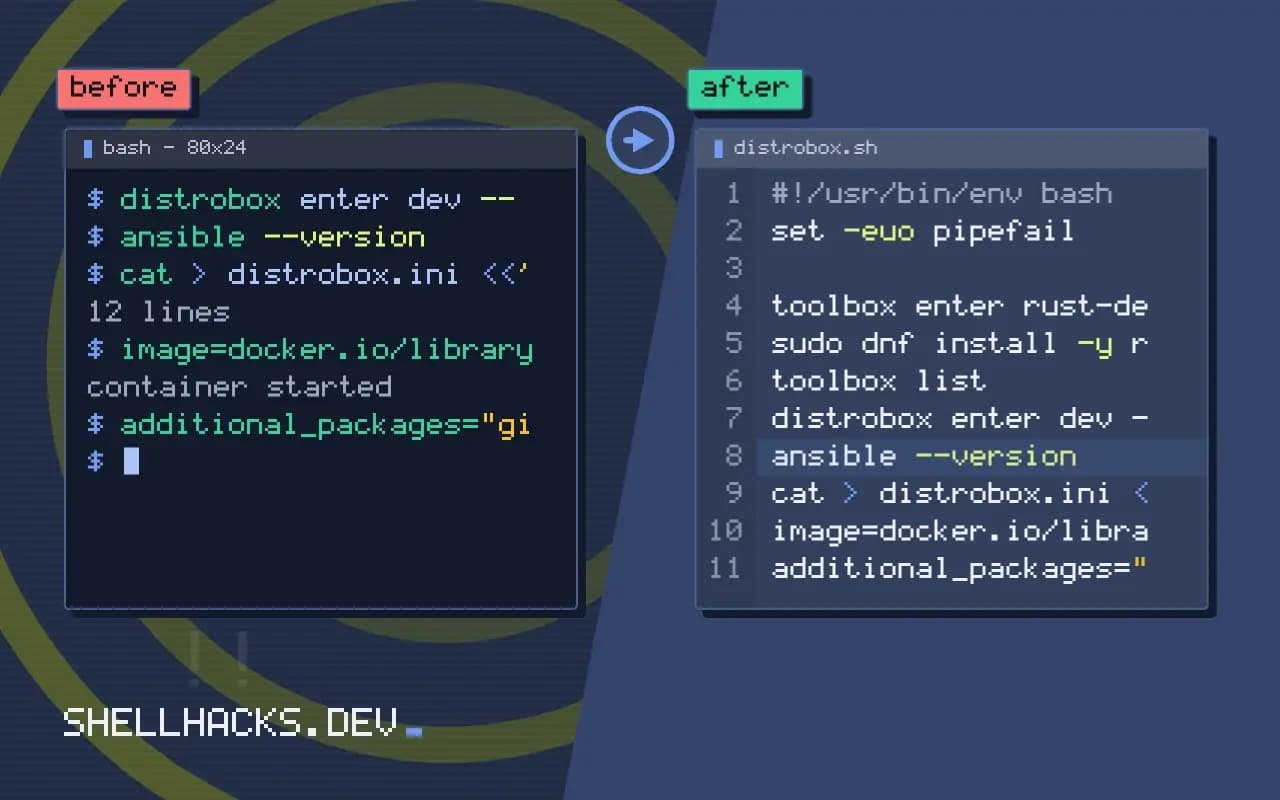
Use toolbox containers for clean development setups: Toolbx and Distrobox, home directory sharing, installing tools inside, exporting commands, and limits.
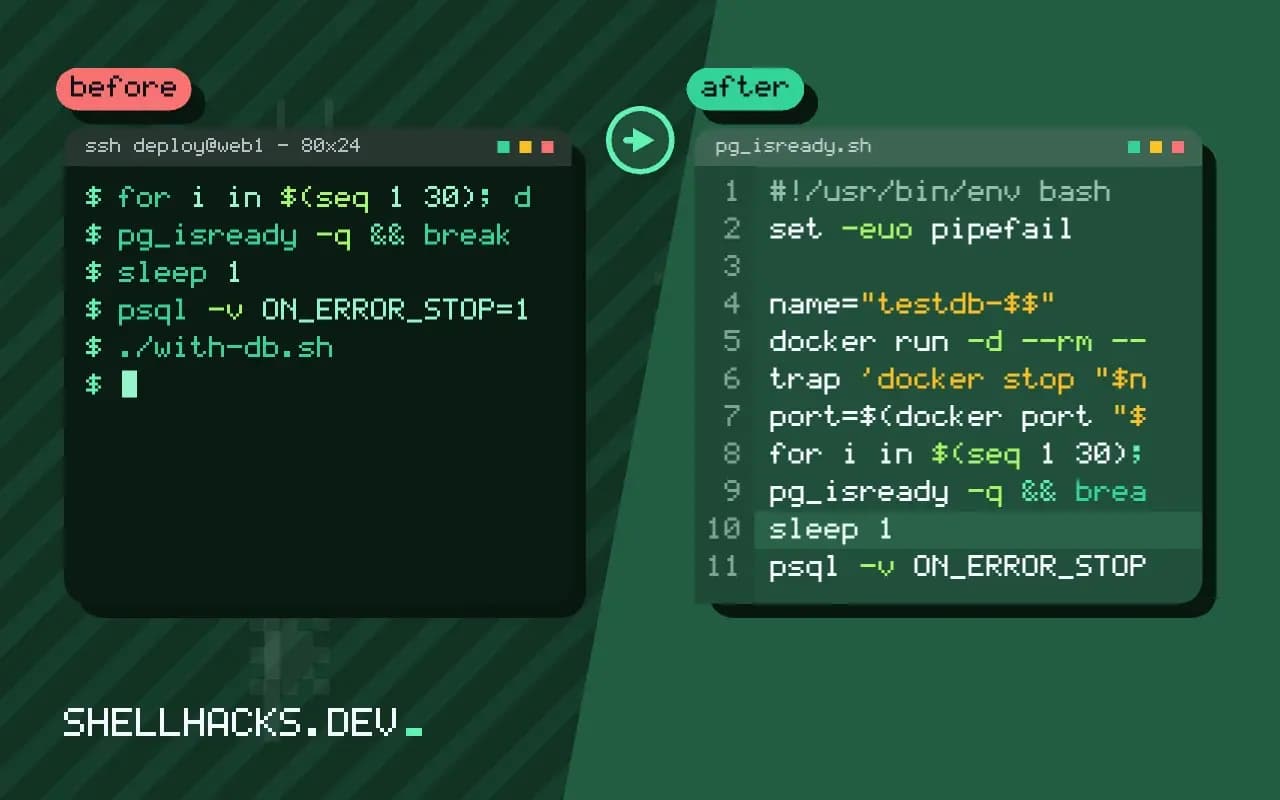
Use Docker for throwaway databases in scripts: random localhost port, readiness wait, fixtures, cleanup with a trap and tmpfs for speed.
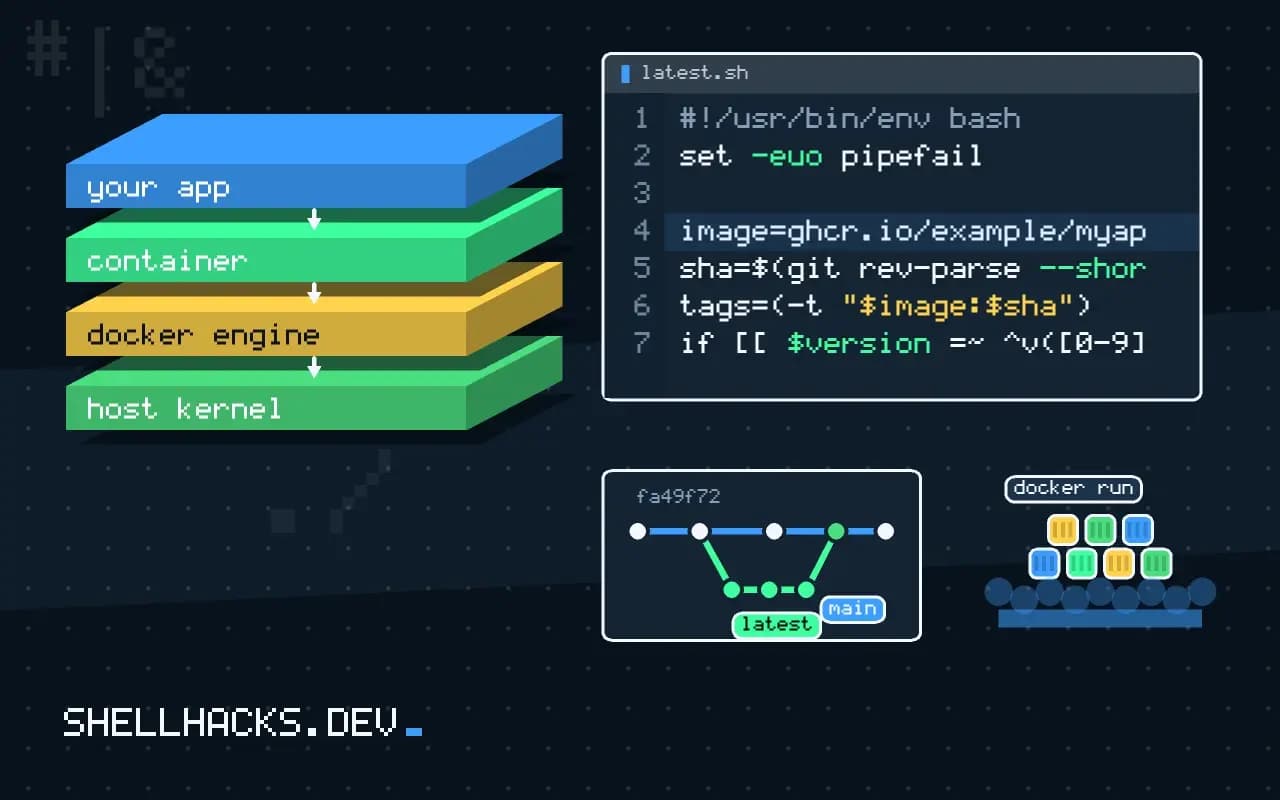
Tag Docker images in scripts with SHAs and semantic versions, avoid latest in production, and pin base images by digest for repeatable builds.
Push Docker images to Docker Hub and GitHub Container Registry, log in with tokens, tag correctly, set visibility, and push from CI without leaking secrets.
Use Docker as a tool runner for CLIs: run linters and converters without installing them, mount the project, avoid root-owned files and wrap commands.
Use the Python Docker SDK to run containers, read logs, exec commands, build images and clean up, with error handling and when to call the CLI instead.
Run a private Docker registry with the registry image, add TLS and basic auth, push and pull images, free space with garbage collection, and weigh options.